안내

Table of Contents
Application list in Windows 11
1. Open the Start menu and go to Settings in the Windows 11 operating system.
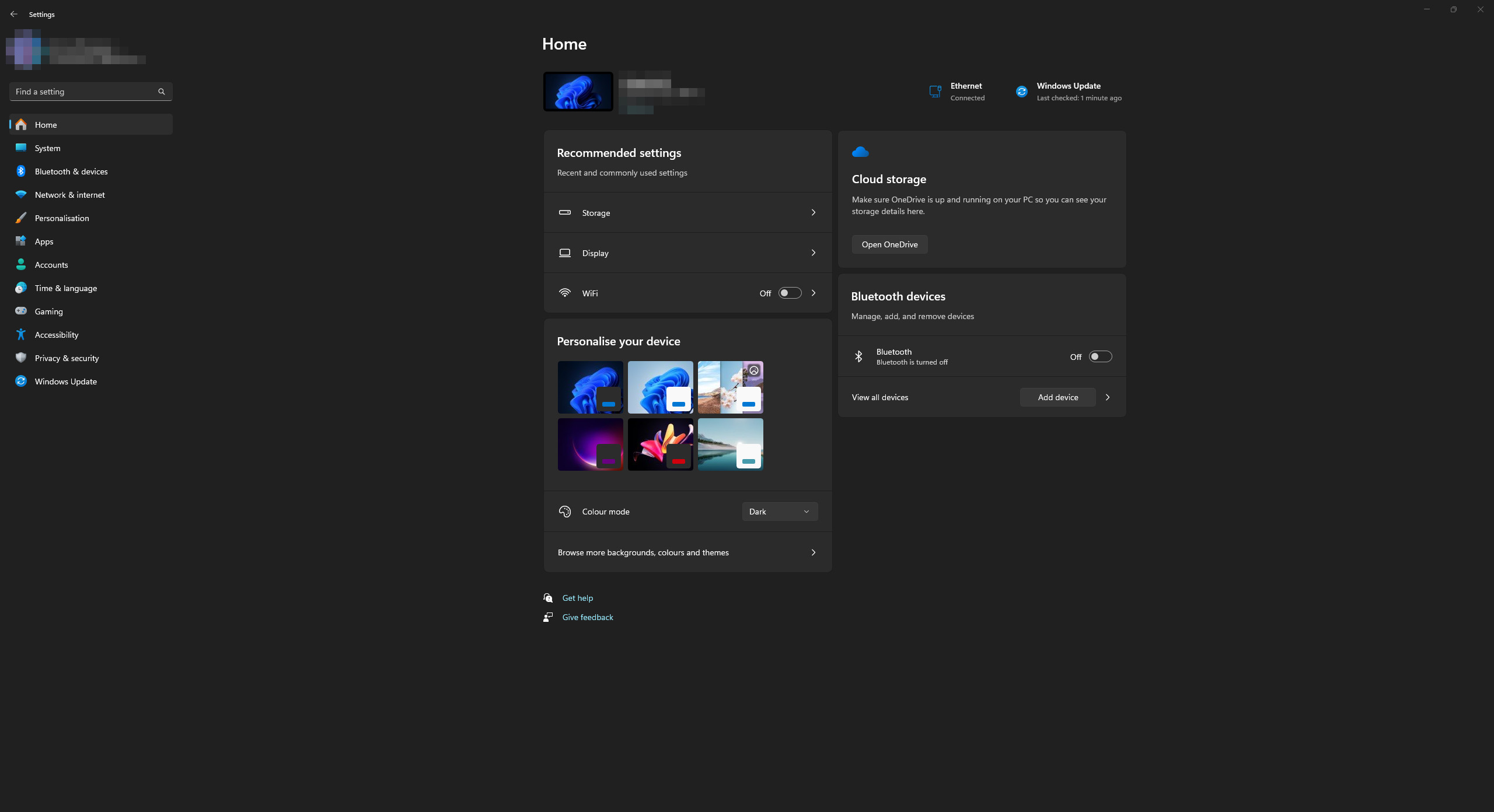
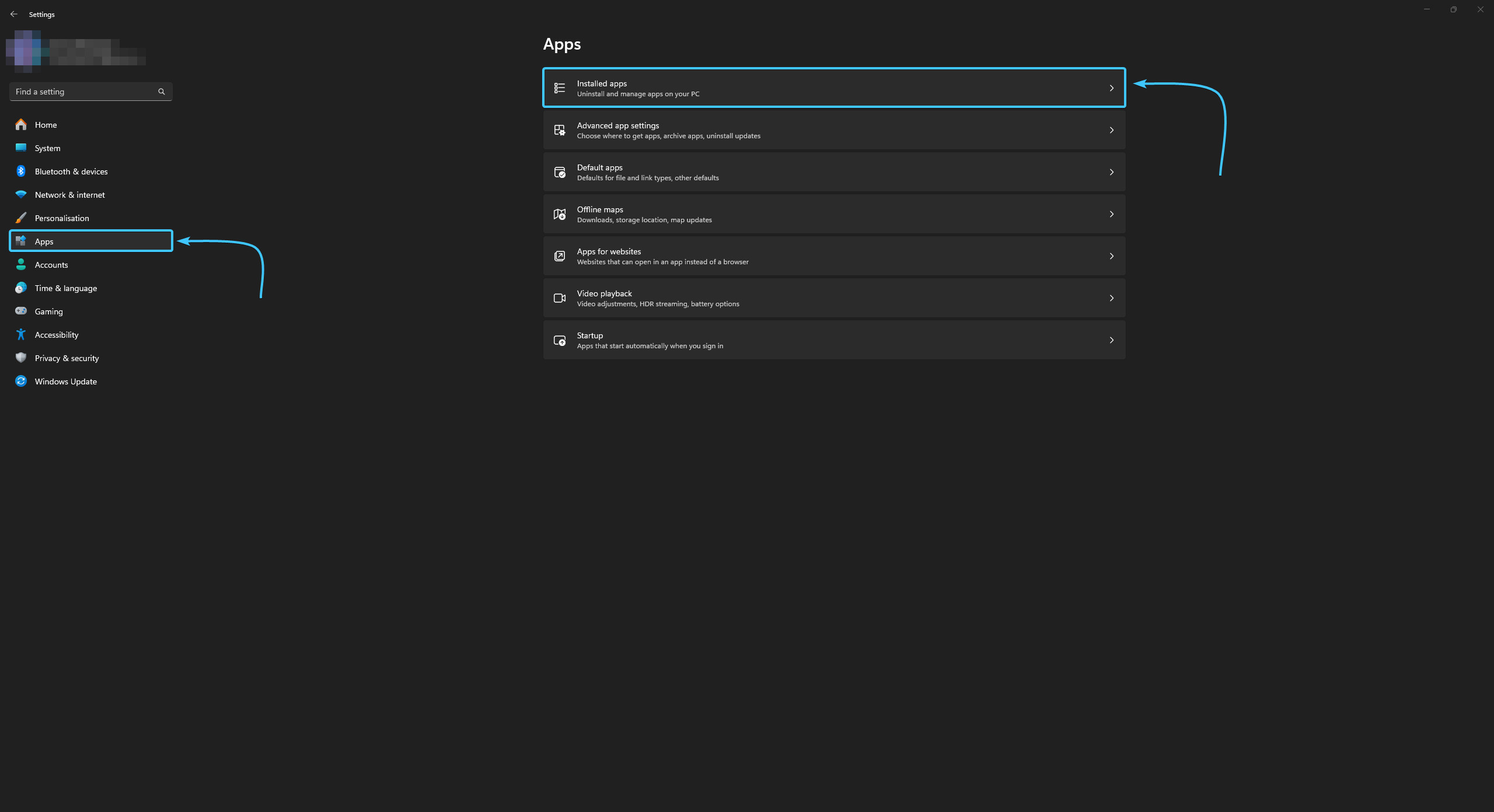
2. In the list, open the “Apps” category and go to the “Installed apps” section.
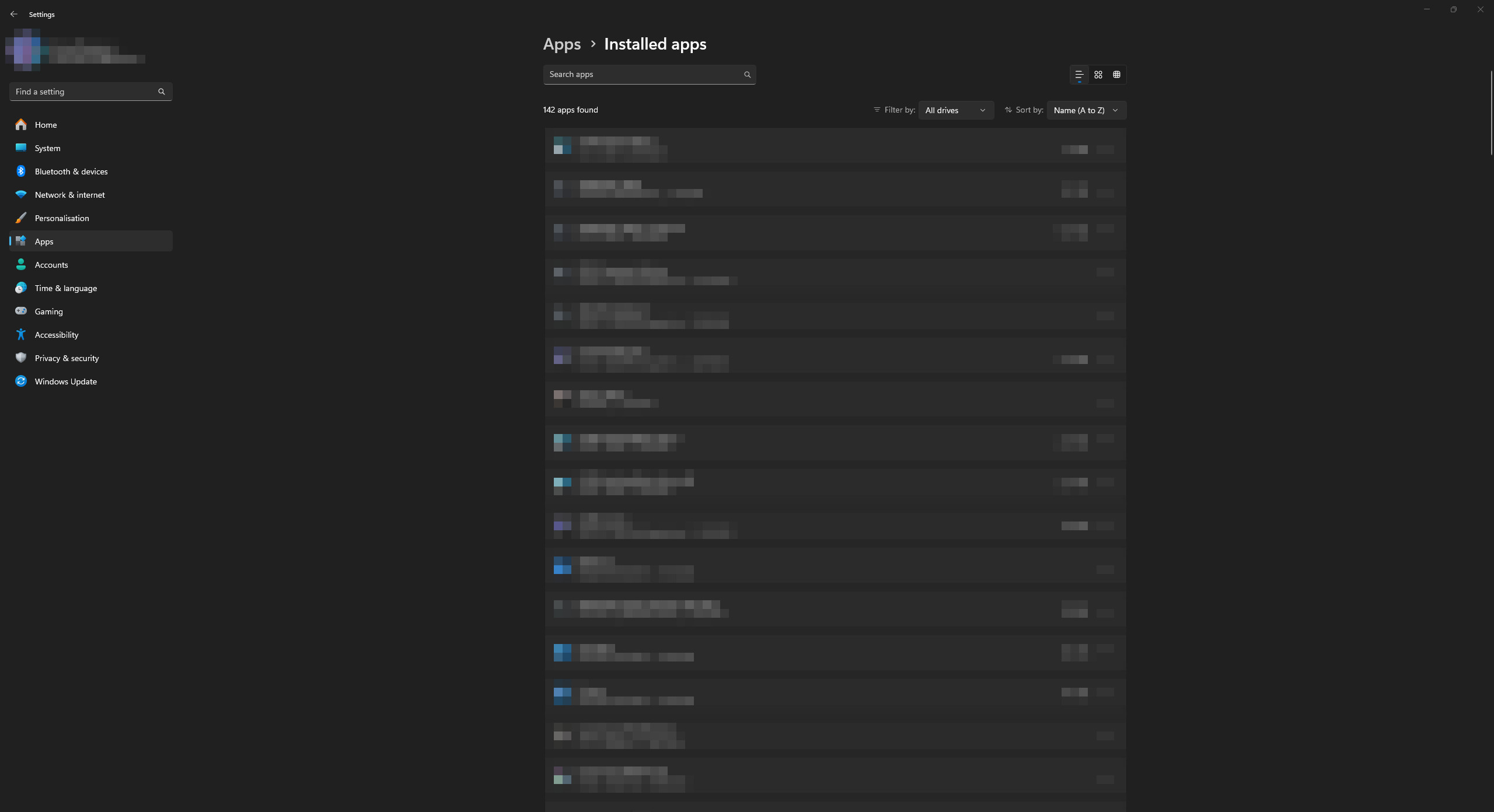
3. A list of installed applications in the Windows 11 operating system will appear.
Application list in Windows 10
1. Open the Start menu and go to Settings in the Windows 10 operating system.

2. A general list of parameter categories opens. Open the “Apps” category.

3. A list of installed applications in the Windows 10 operating system will appear.

Other guides
- Switching DEP technology;
- Paging file setting;
- RAM diagnostics;
- Diagnosis of disc devices;
- Power plans in Windows 11;
- Disabling the Hyper-V component;
- Windows 11 system installation;
- Windows system update;
- Disabling application startup;
- Windows 10 system installation;
- Adding power plans;
- Windows time correction;
- Disabling core isolation;
- Uninstalling applications on the system;
- Disabling visual effects;
- MSInfo32 and DxDiag reports;
- Disabling disc indexing;
- Optimising the disk device;
- Windows integrity check;
- Removing “Java options”;
- Restoring system fonts;
- Disabling the debug parameter;
- Power plans in Windows 10;
- Disabling remote assistant;
- Operating system reset;
- Operating system activation;
- Enabling storage sense;
- Deleting temporary files;
- Pausing system updates.