Guide

Contents
Scanning with Dr.Web Cureit!
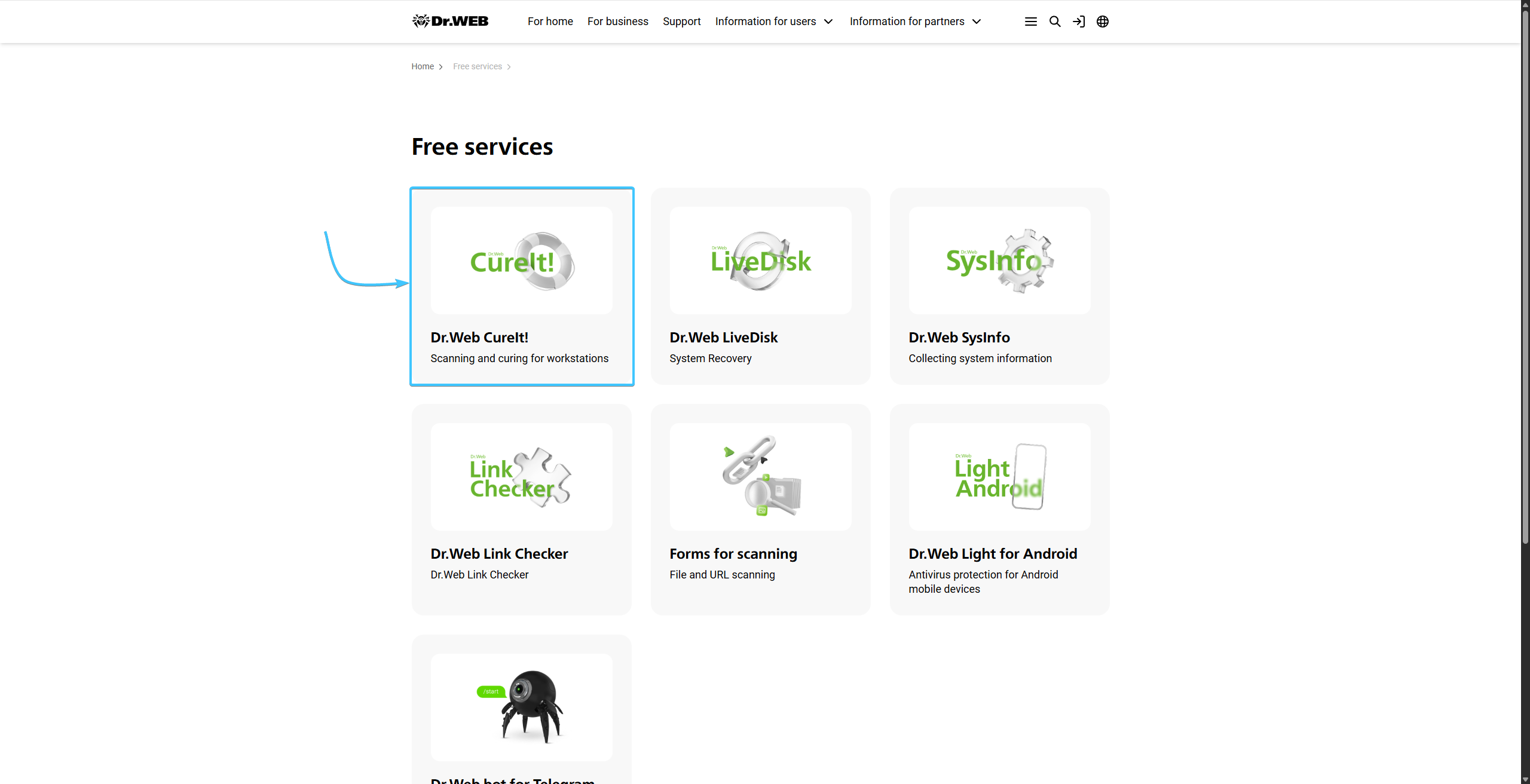
1. Go to the Dr.Web website and select “Dr.Web Cureit!” in the Free Services section.
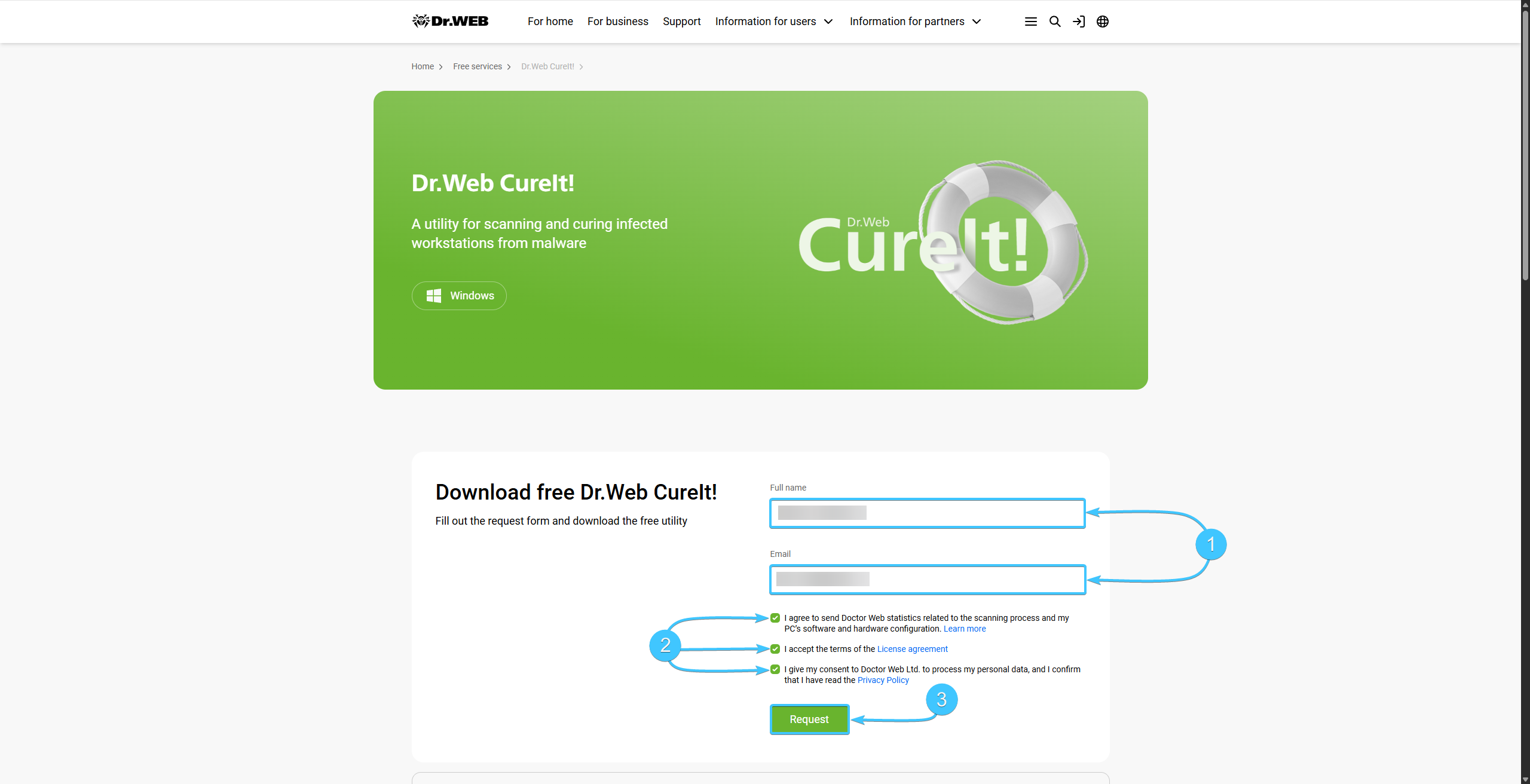
2. Fill in the correct information (1), carefully review the documents, and check the boxes next to all the confirmations (2). Click “Request” (3) to continue.
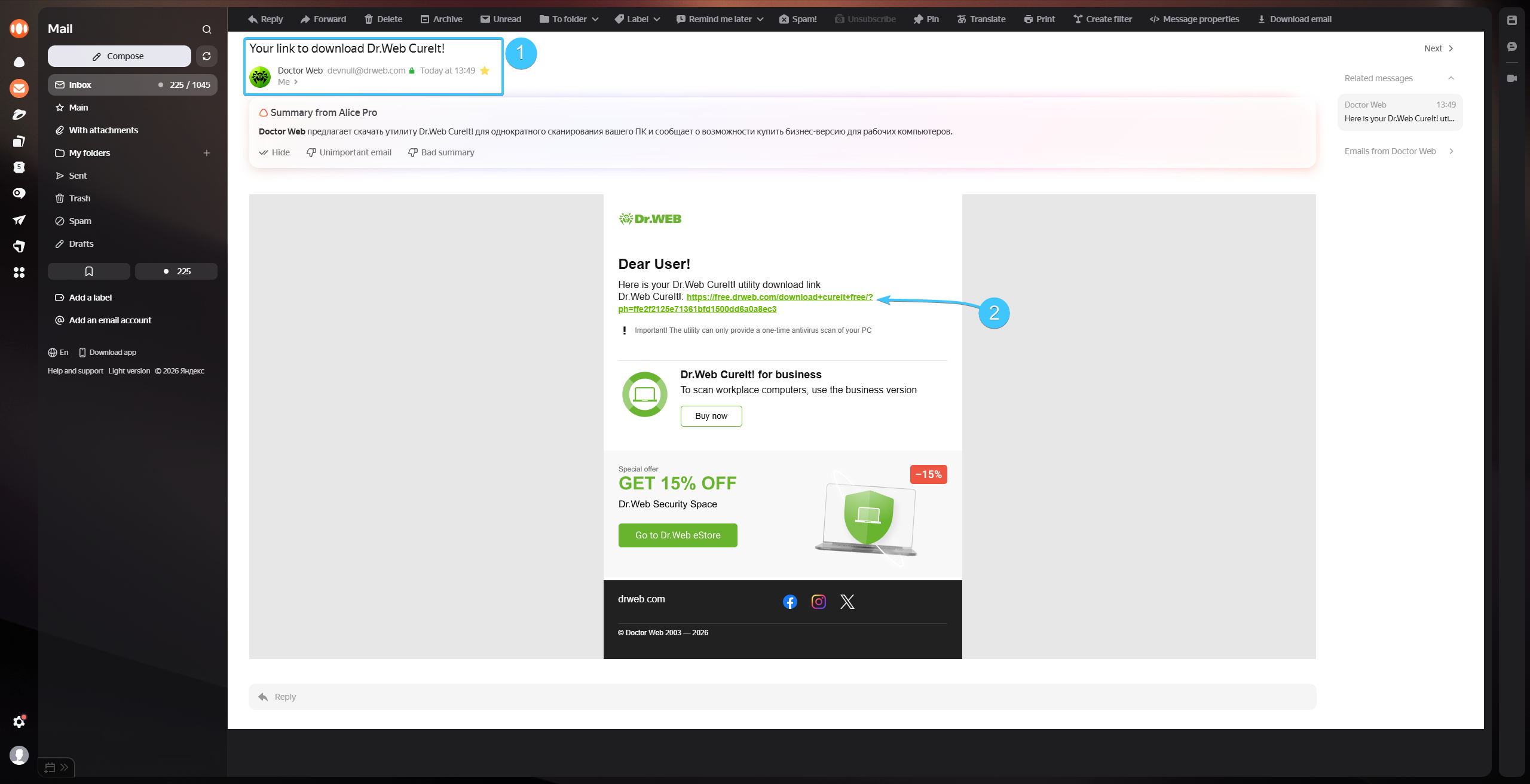
3. An email with a download link will be sent to the email address you provided earlier. Make sure the sender is correct (1), then click the link to download “Dr.Web Cureit!” (2).
4. Launch the downloaded app. Read the information provided, check the box next to the confirmation (1), and click “Continue.”
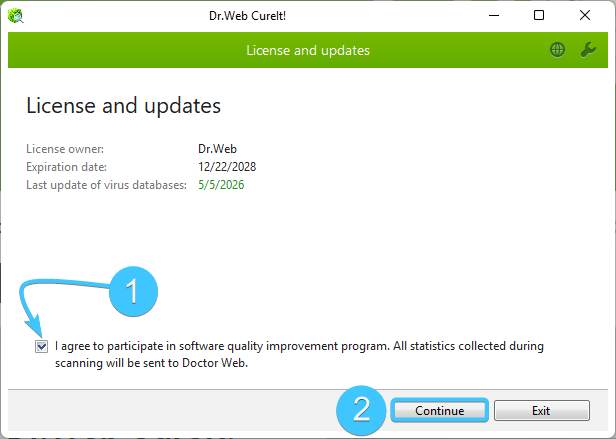
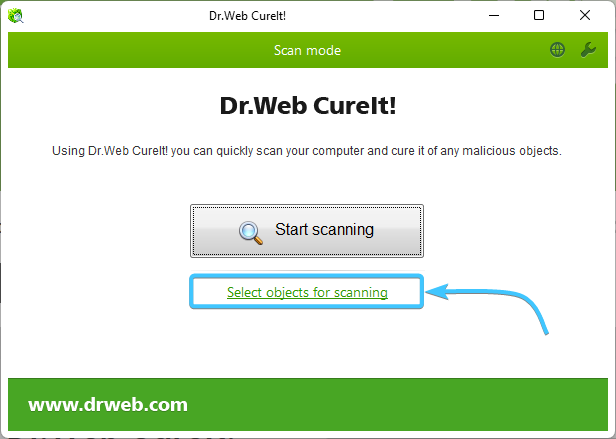
5. Click the “Select objects for scanning” button.
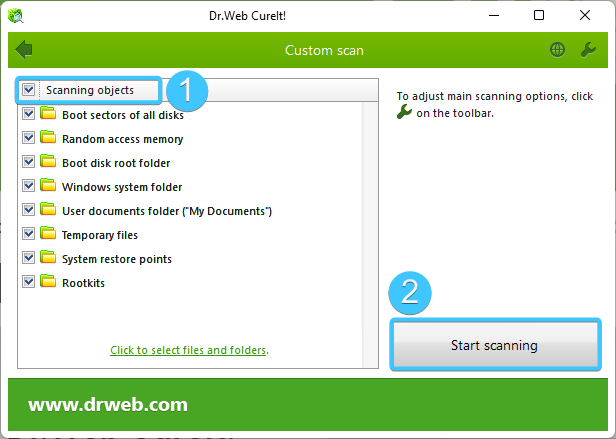
6. Select all items to scan (1) and click “Start scanning."
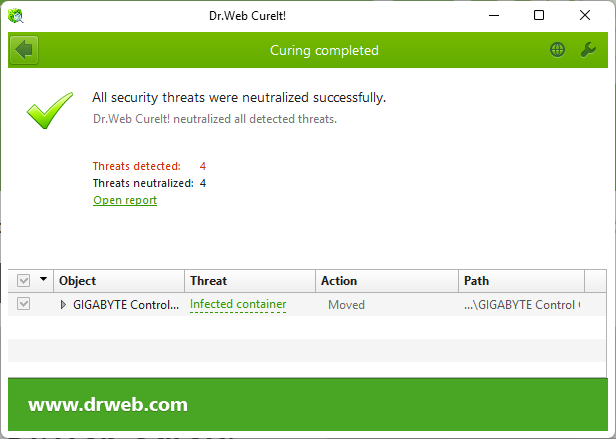
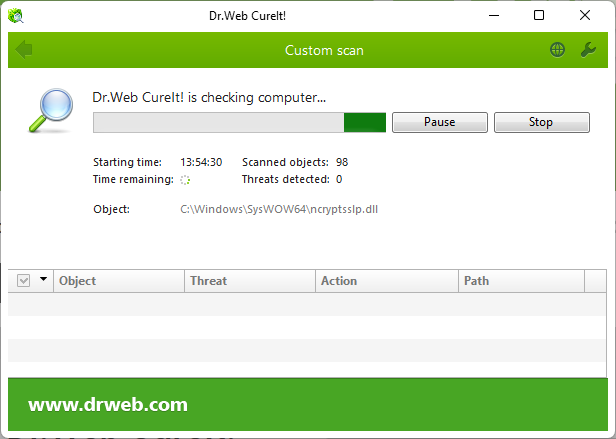
7. Wait for the scan to finish. Neutralize all detected threats.
8. Reboot your PC. After that, you can uninstall the “Dr.Web Cureit!” app.