Guide

Contents
Warning Before Running the Test
Please note! This guide may contain instructions that could damage your device if followed. The OCCT application is designed for stress testing, and its use may reveal (or trigger) existing hardware malfunctions.
EXBO is not responsible for the user's actions in accordance with Section 1.7 of the support center rules and asks that you proceed with caution when performing any stress test.
When to Run a Stress Test
- If the system is unstable, freezes, crashes, or experiences errors;
- After building a PC, replacing or overclocking the CPU, GPU, or RAM, or enabling XMP/EXPO;
- If you notice visual artifacts or issues while gaming;
- After purchasing used components.
Preparation Before Running the Test
- Close all programs and save your data—the system may freeze or restart;
- Make sure the cooling system (including the case and memory modules) is functioning properly;
- Do not use the device during the test—this may affect the results and stability;
- Ensure that the power supply and power grid are stable.
The stress test must be performed using the OCCT application.
Installing the OCCT application
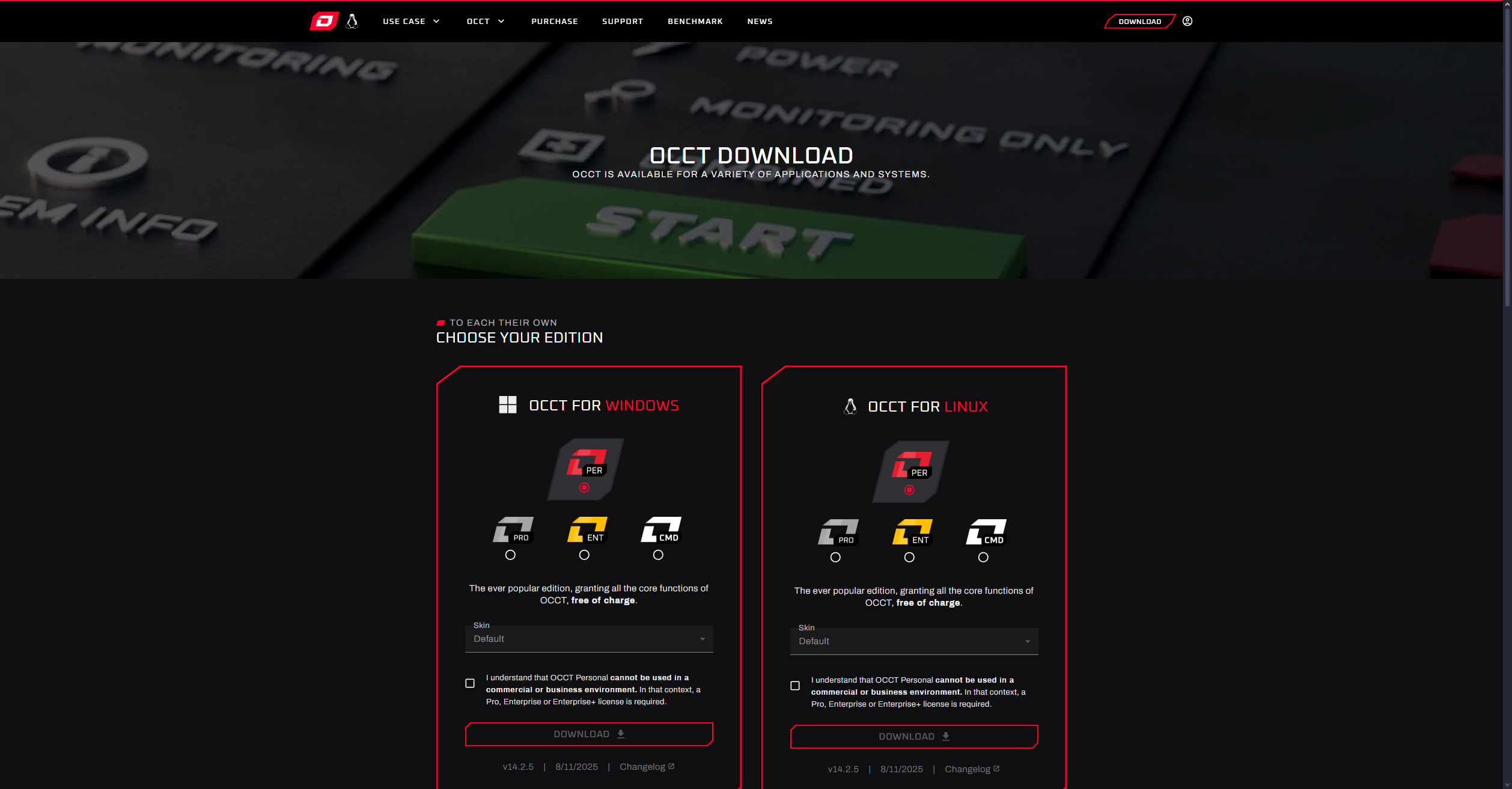
1. Go to the official OCCT website to install the application on your device.
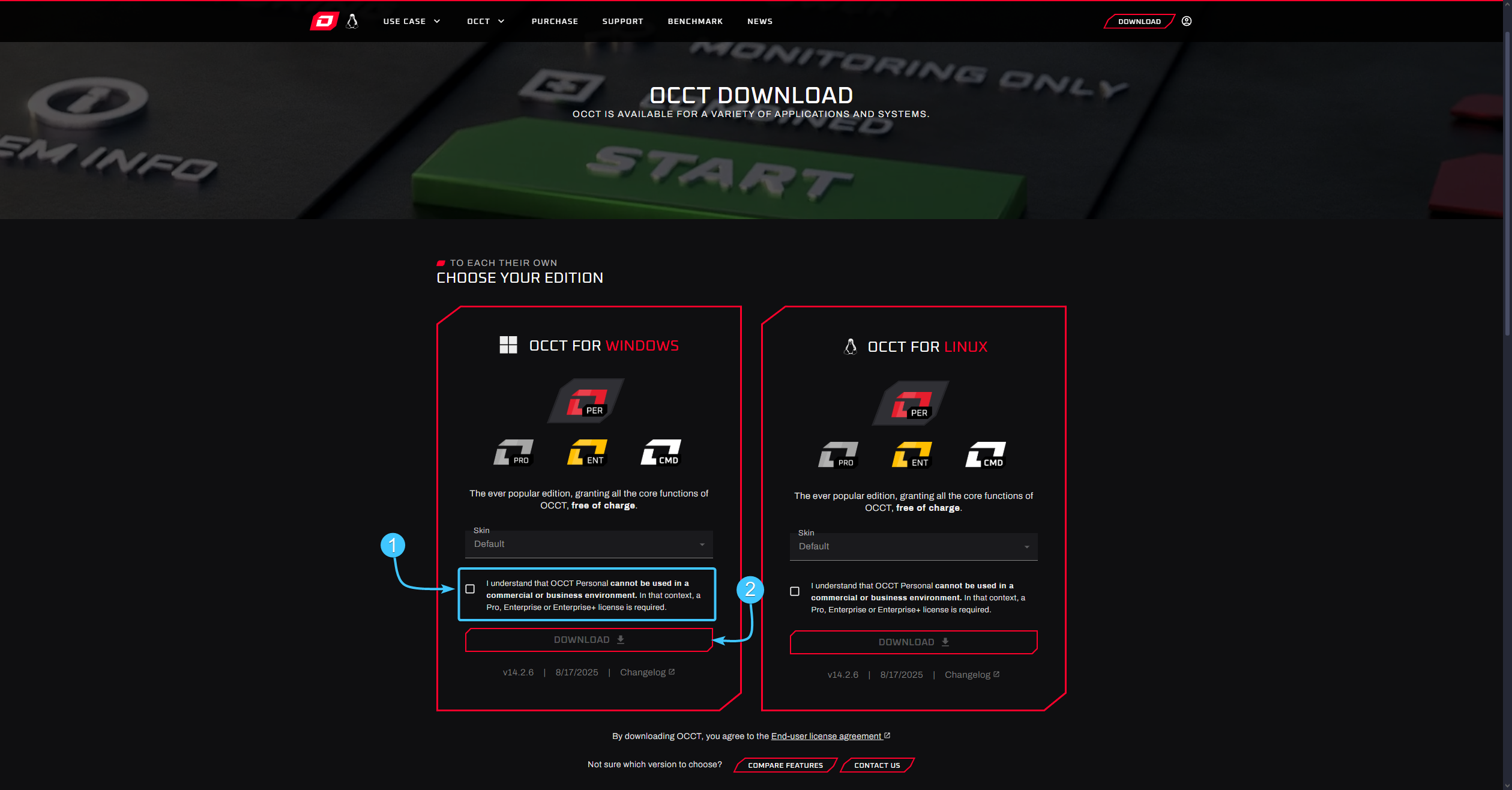
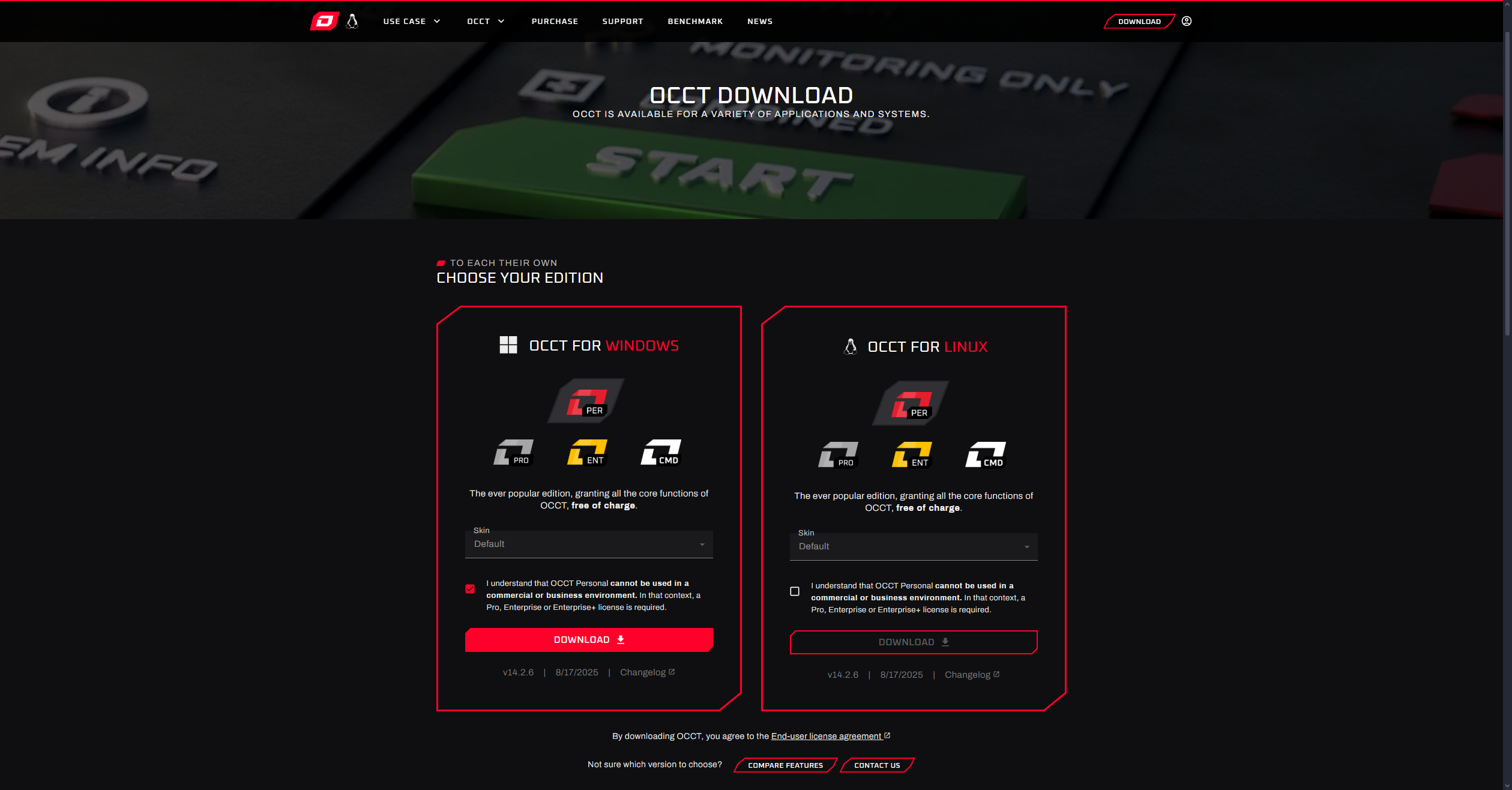
2. Read the information and check the agreement box (1). Then click the “Download” button (2).
3. Run the downloaded installer and install the “OCCT” app on your device.
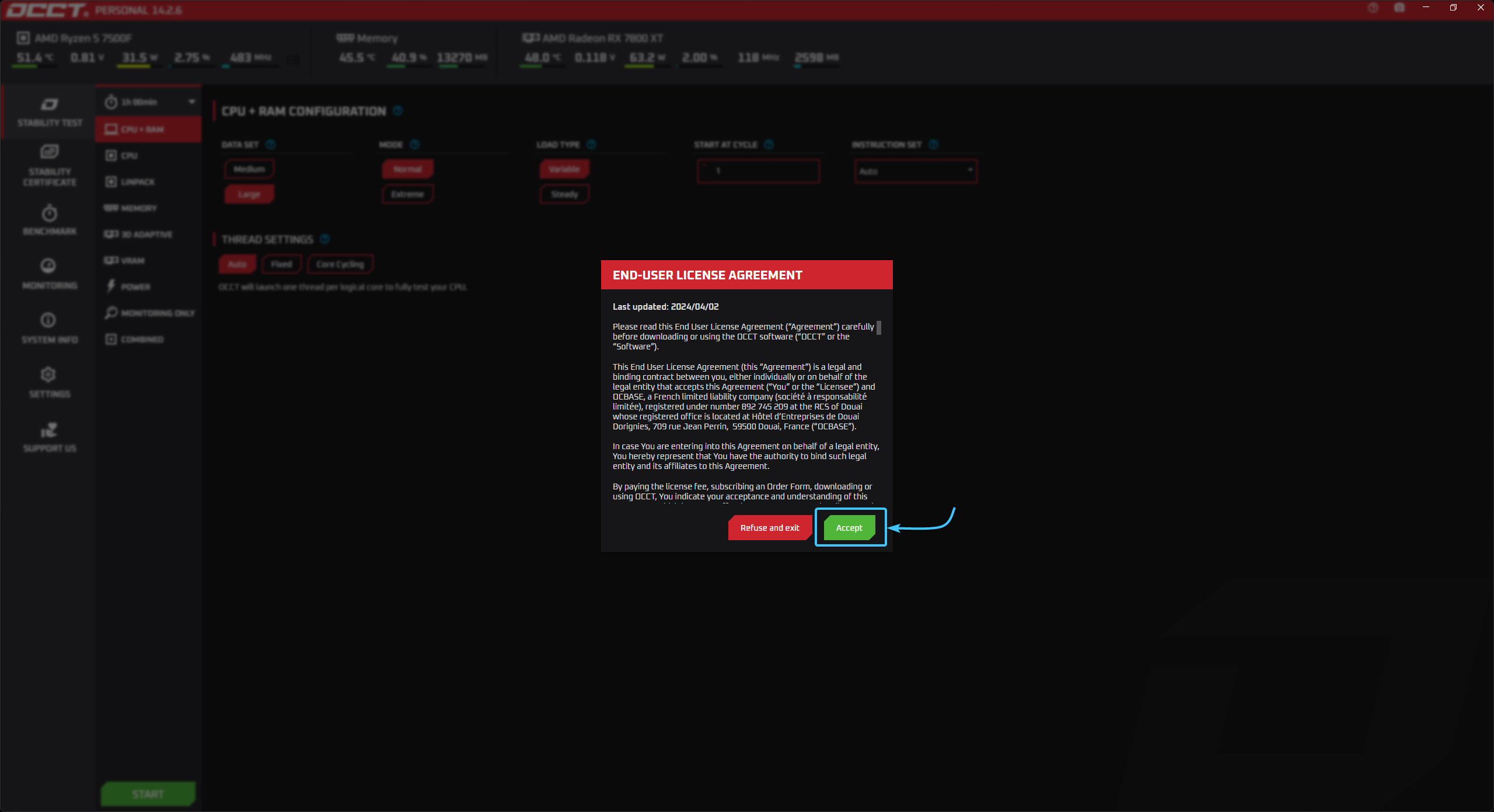
4. Once the installation is complete, launch the app. Carefully review the information provided and click the “Accept” button to accept all necessary agreements and continue.
Types of Tests and Their Settings
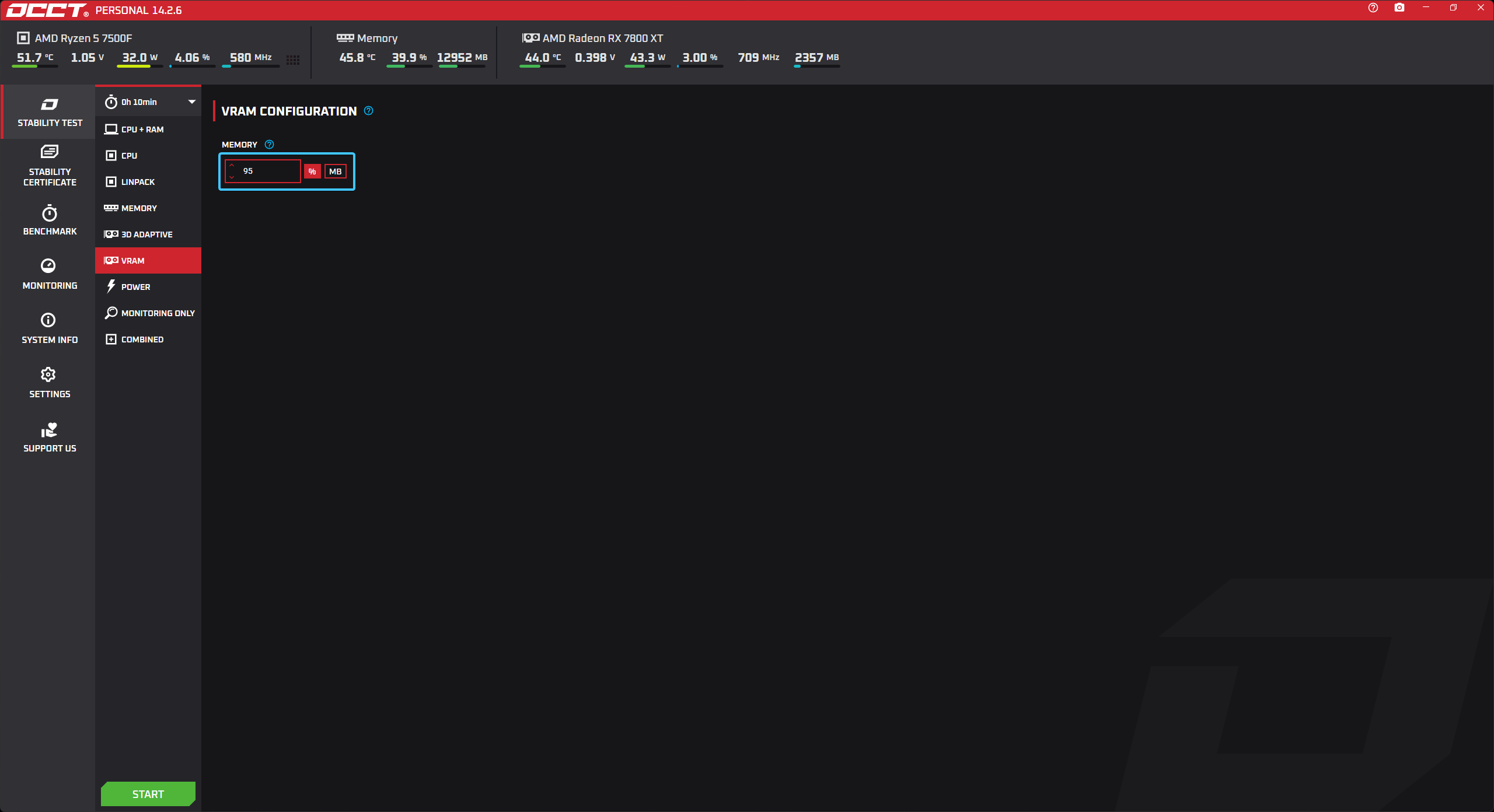
VRAM Test
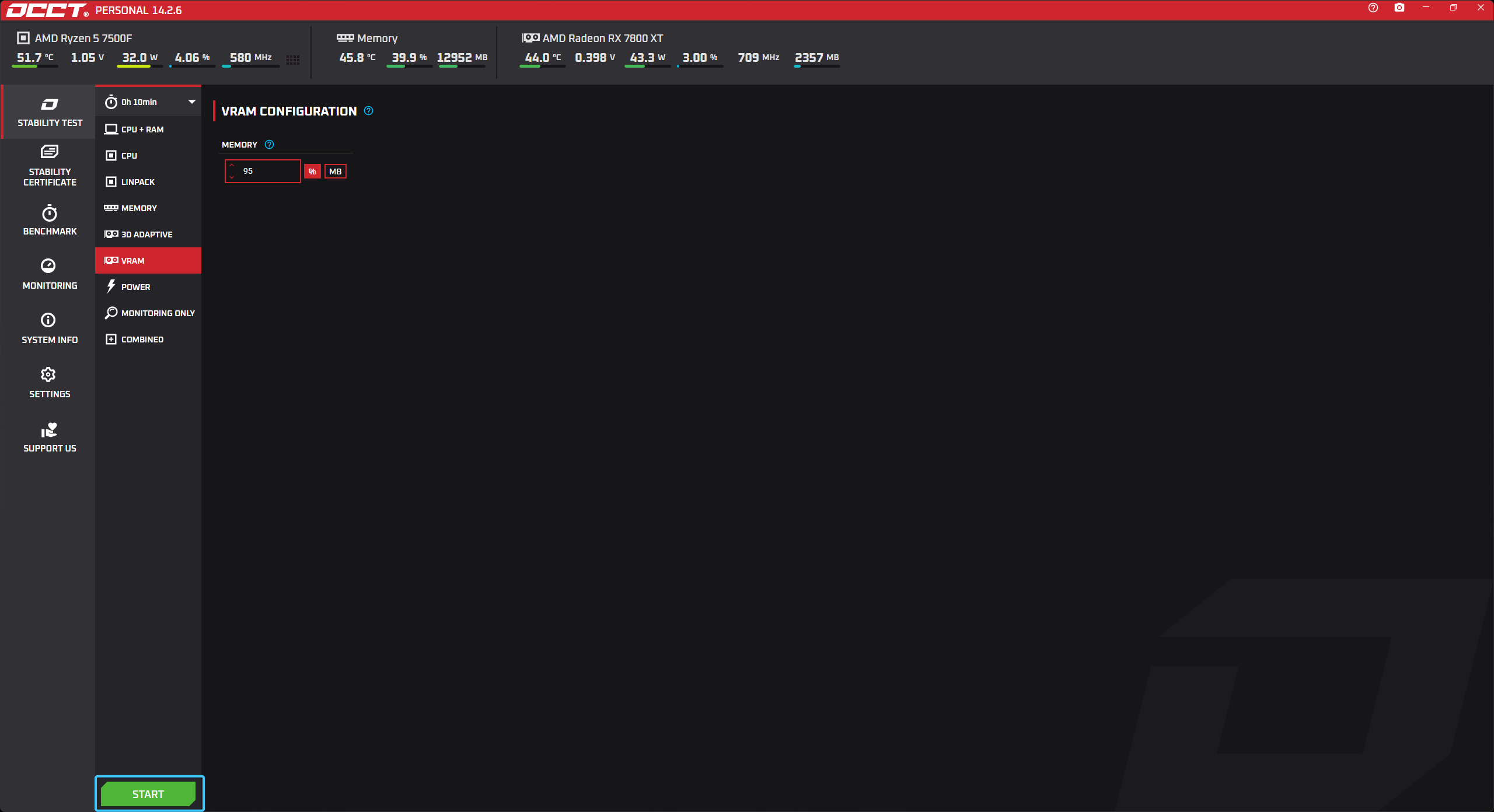
In the “MEMORY” setting, set the value to “95%” to increase the load on the memory.
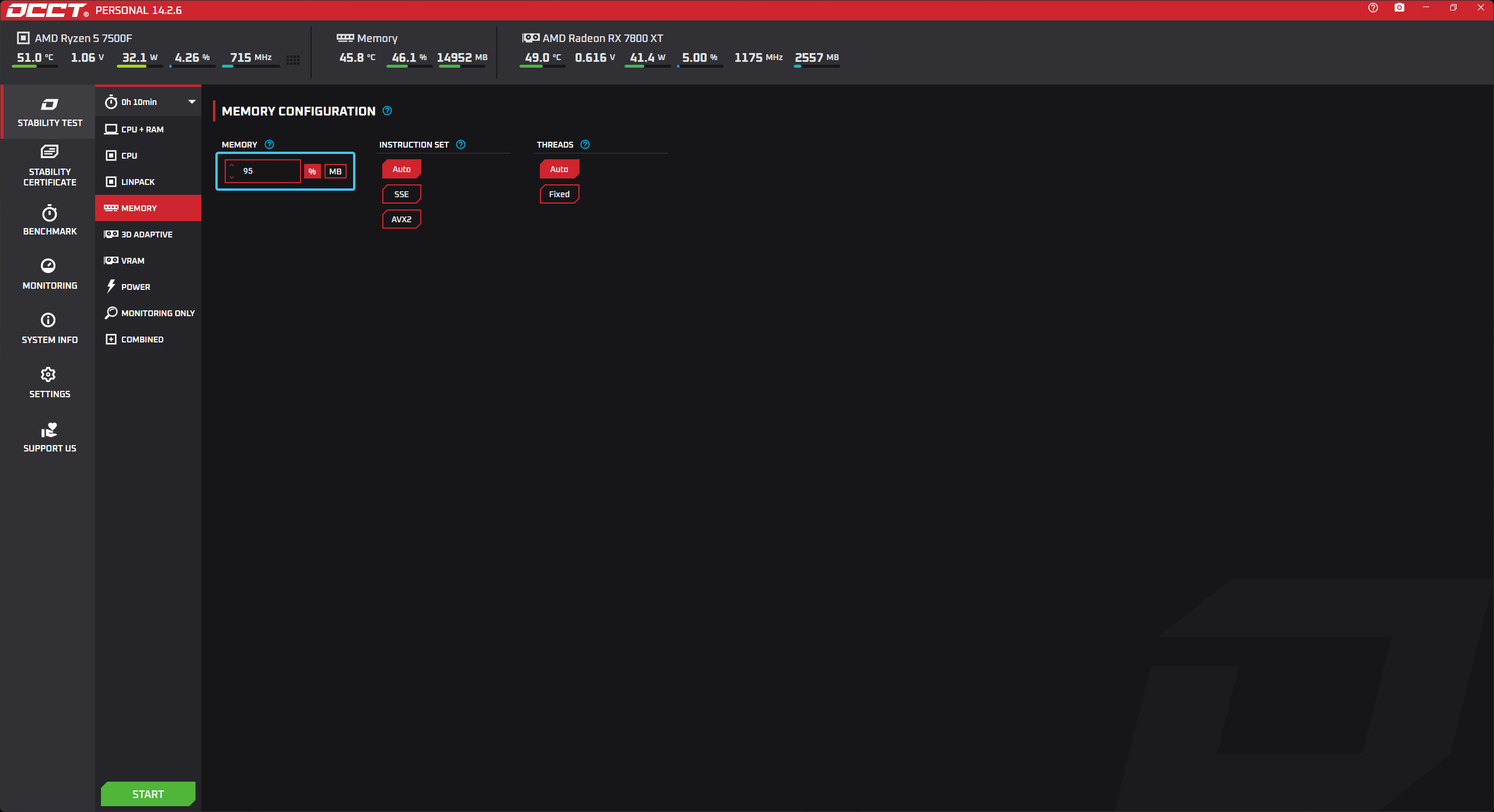
MEMORY Test
1. In the “MEMORY” setting, set the value to “95%” to increase the load on the memory.
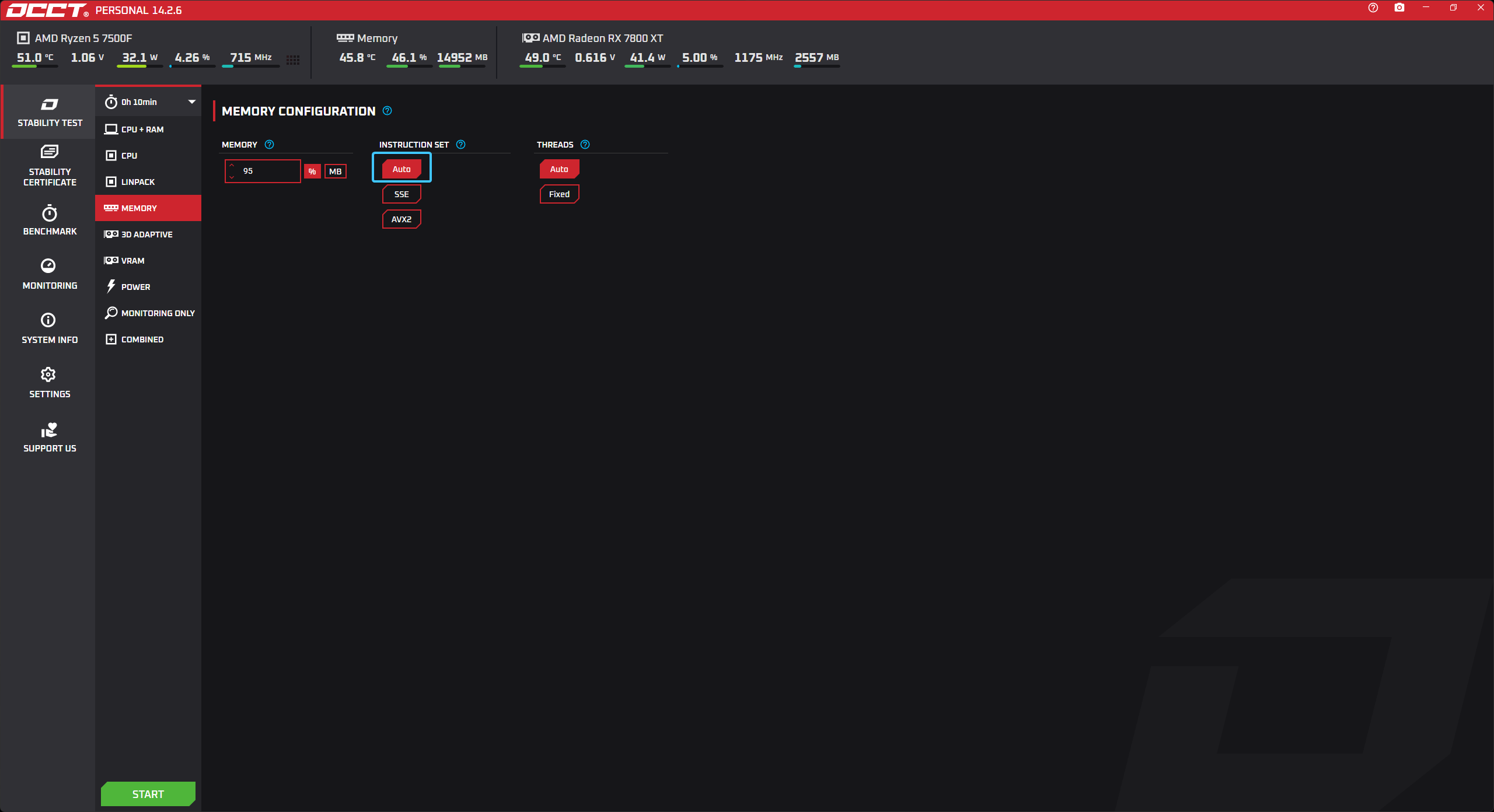
2. In the setting named “INSTRUCTION SET,” select “Auto” for general testing.
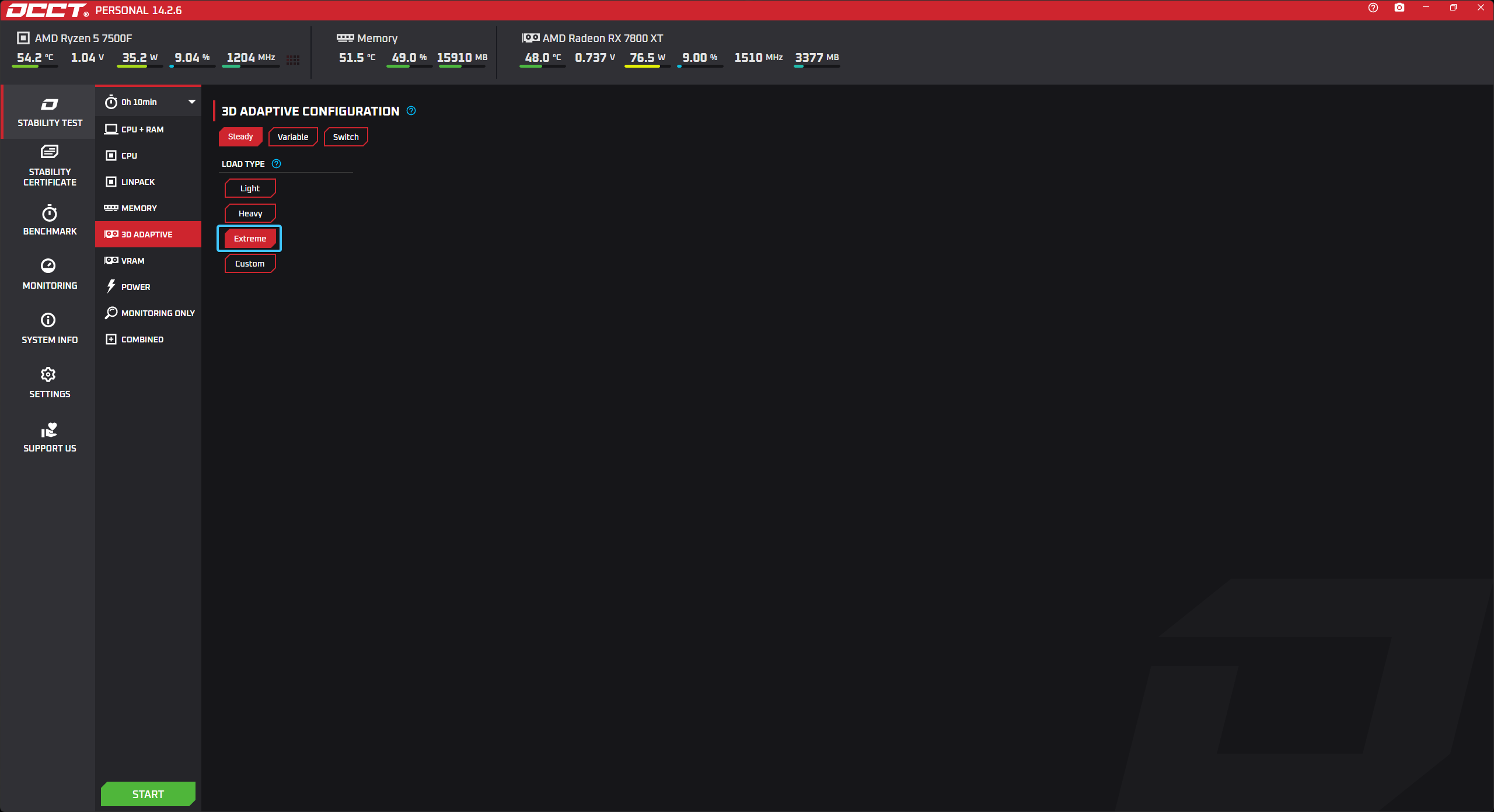
3D ADAPTIVE Testing
In the “LOAD TYPE” setting, select “EXTREME” for a detailed test.
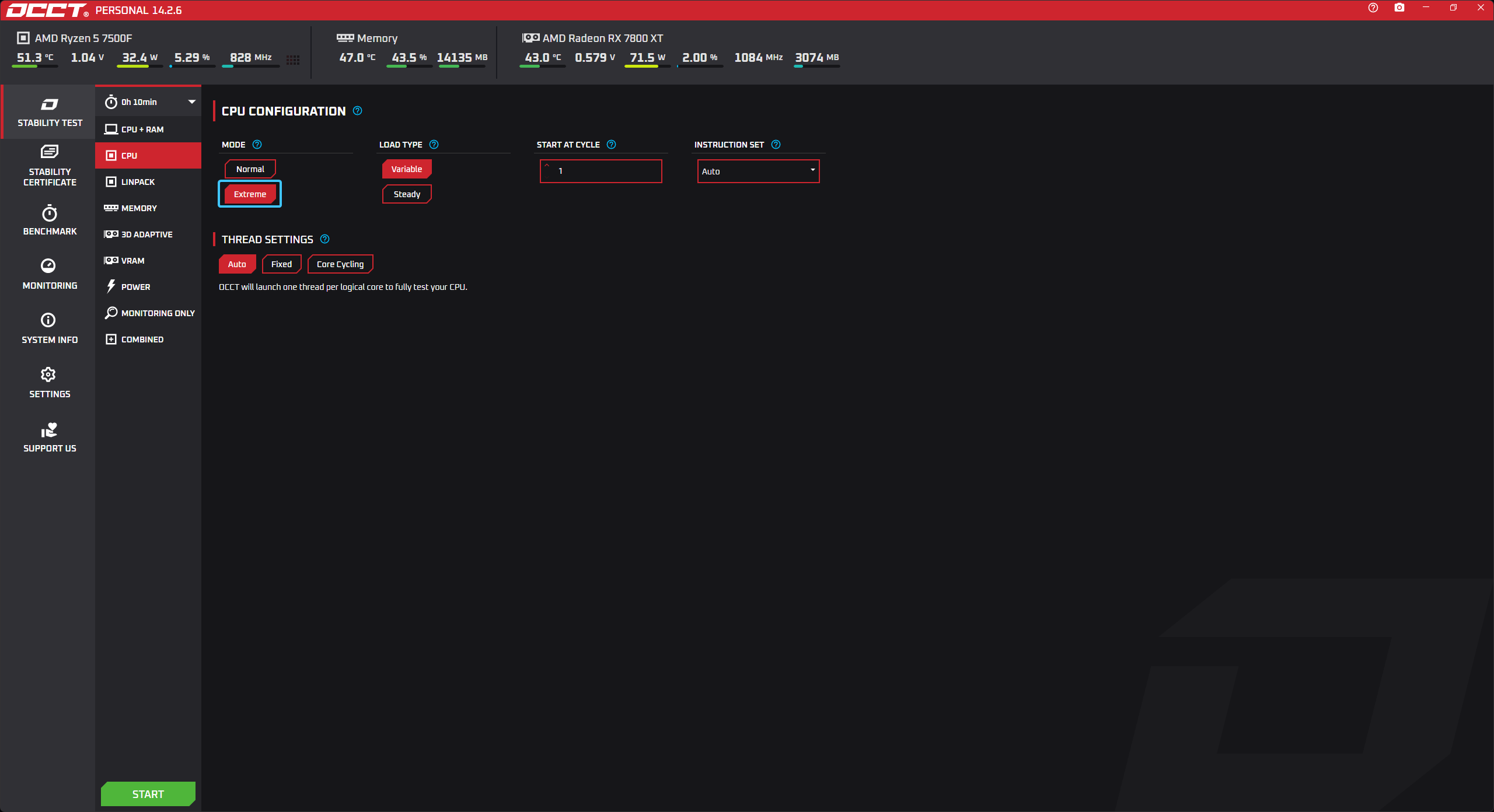
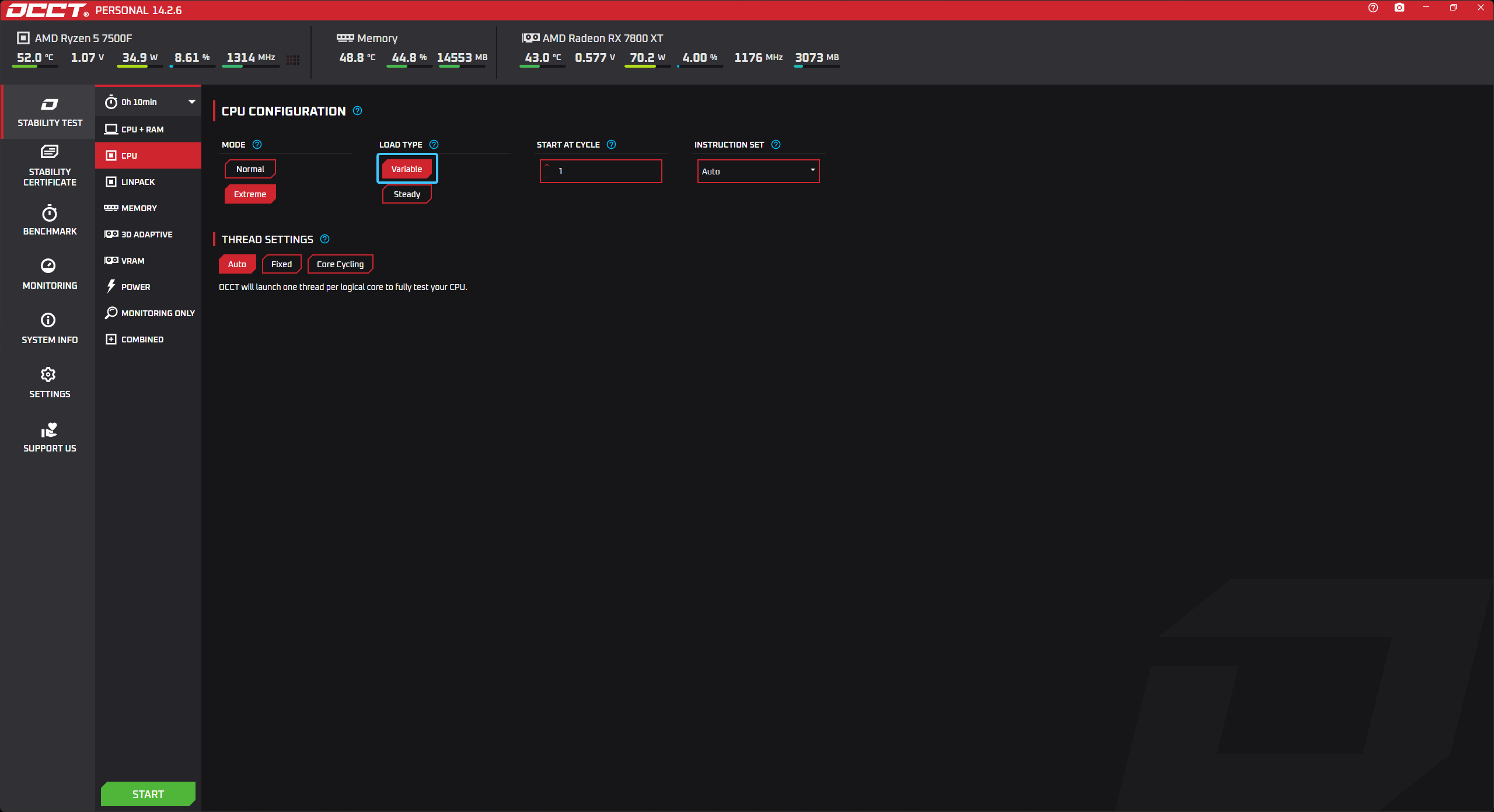
CPU Testing
1. In the “MODE” setting, select “Extreme” for a detailed test.
2. In the “LOAD TYPE” setting, select “Variable” for better coverage.
CPU + RAM Testing
1. In the “DATA SET” setting, select “Large” for a detailed test.
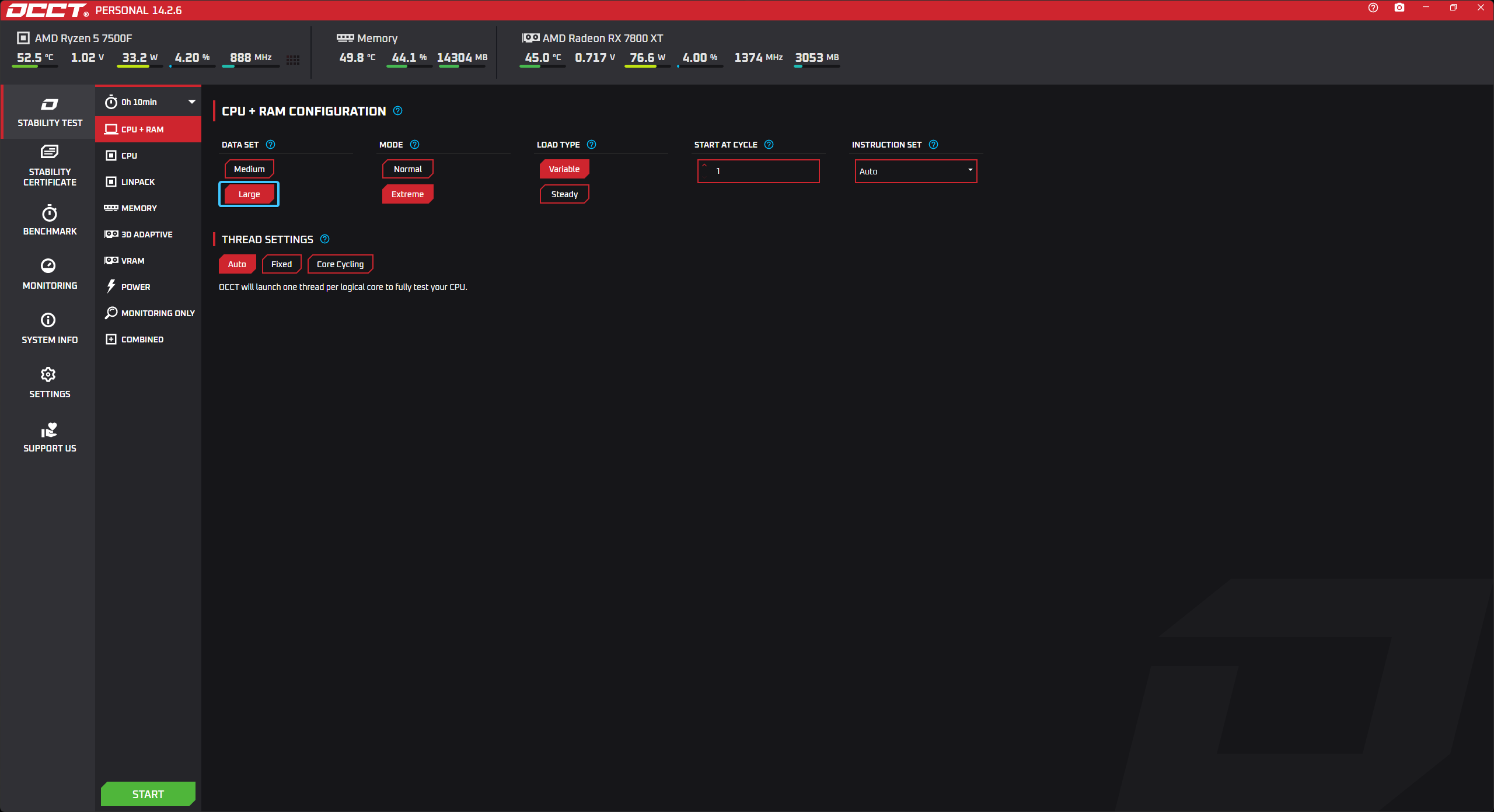
2. Set the “MODE” option to “Extreme” for heavy loads.
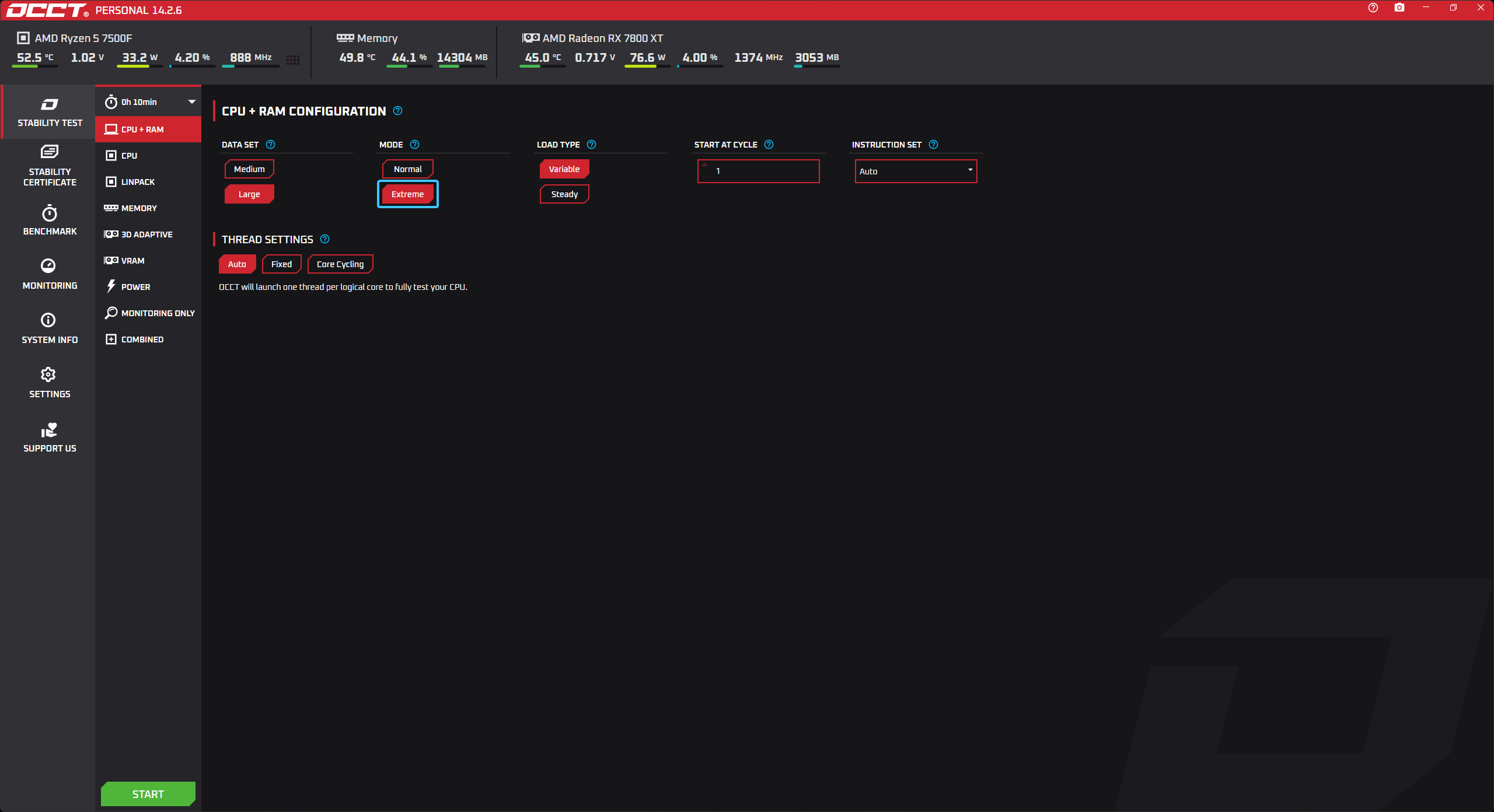
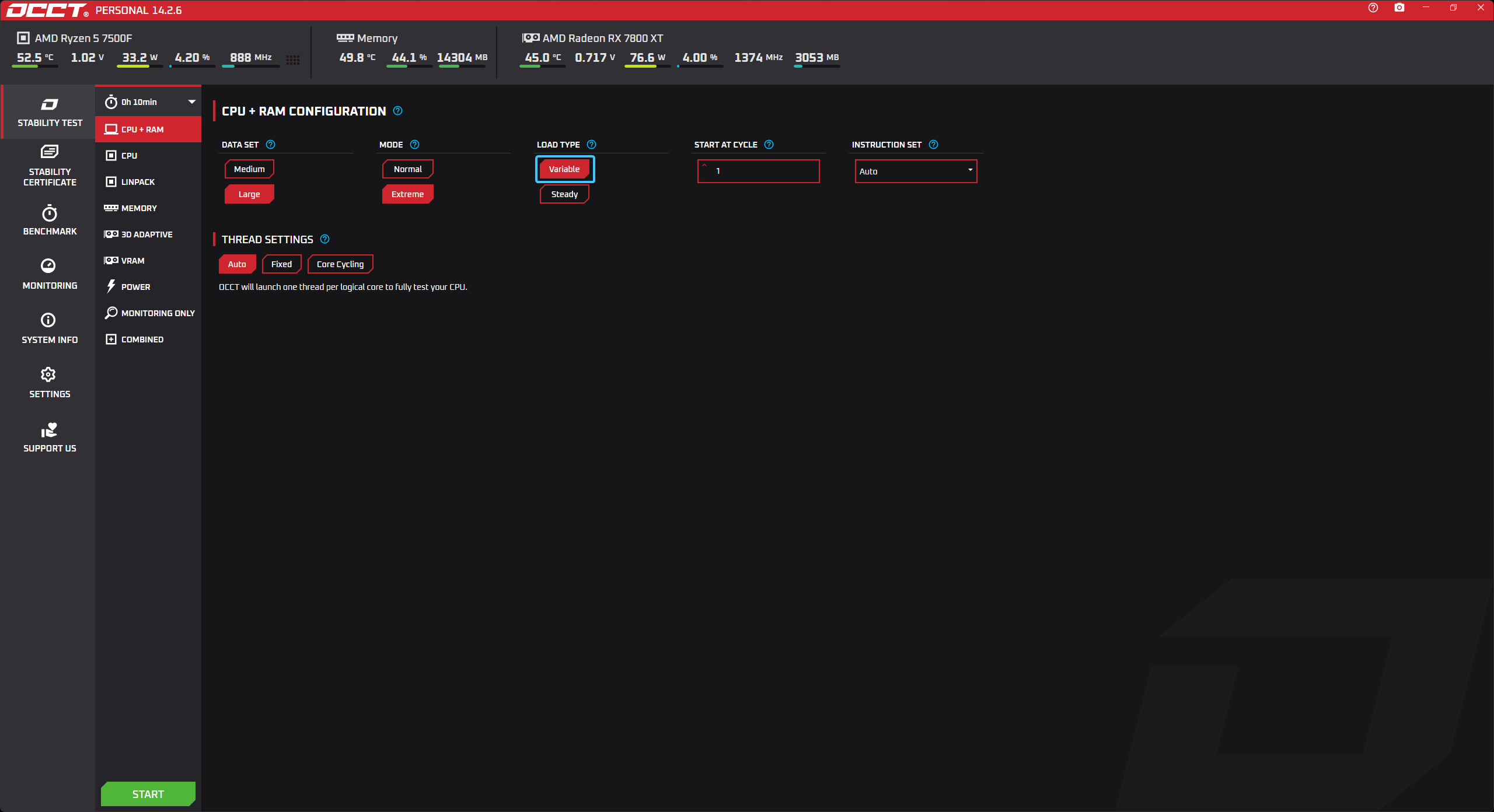
3. In the “LOAD TYPE” setting, select “Variable” for better coverage.
POWER Test
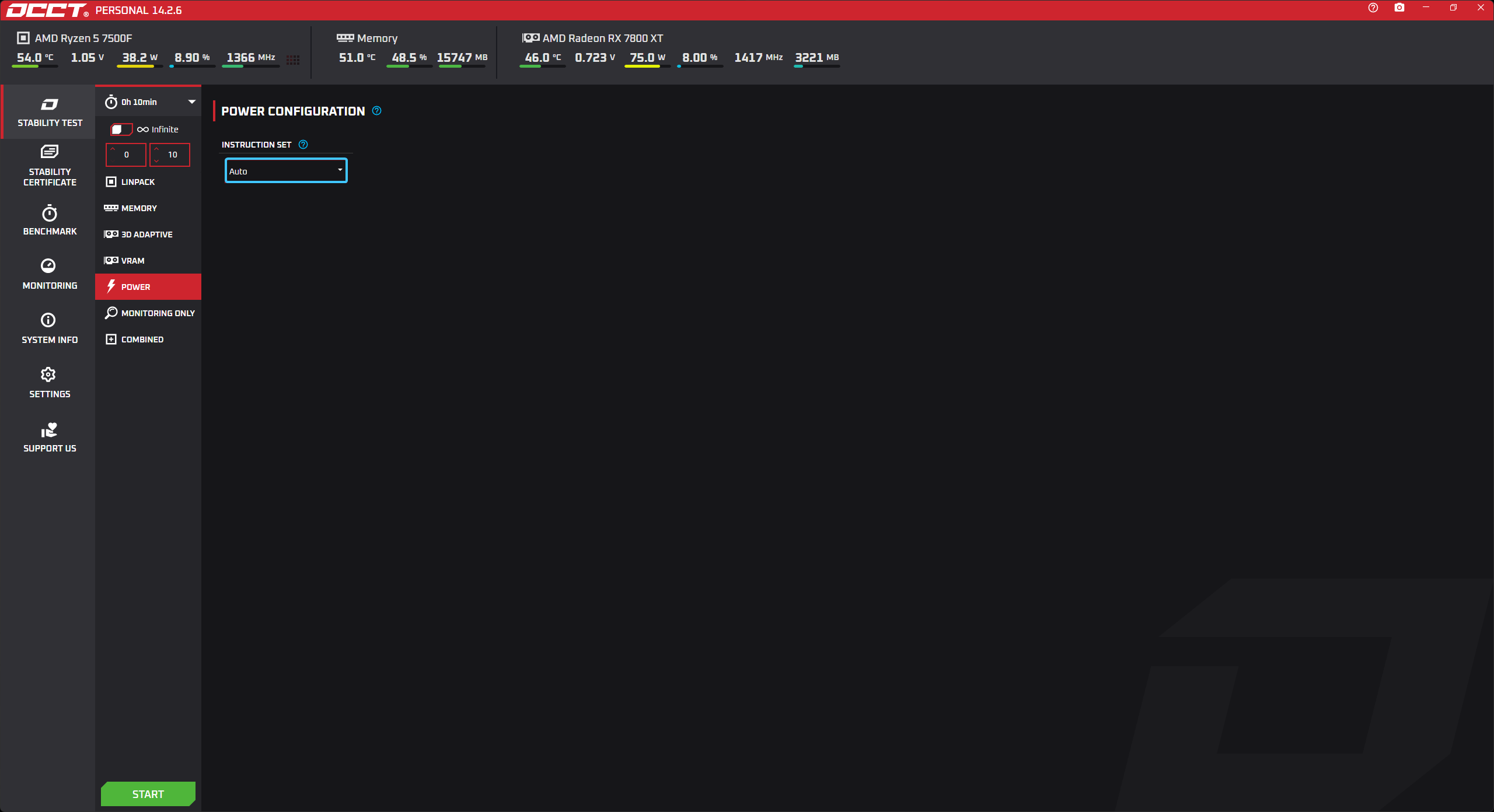
In the “INSTRUCTION SET” setting, select “Auto” for general testing.
Starting any test
1. Choose the test you want from the list on the left to open it. Set the necessary parameters based on the selected test.
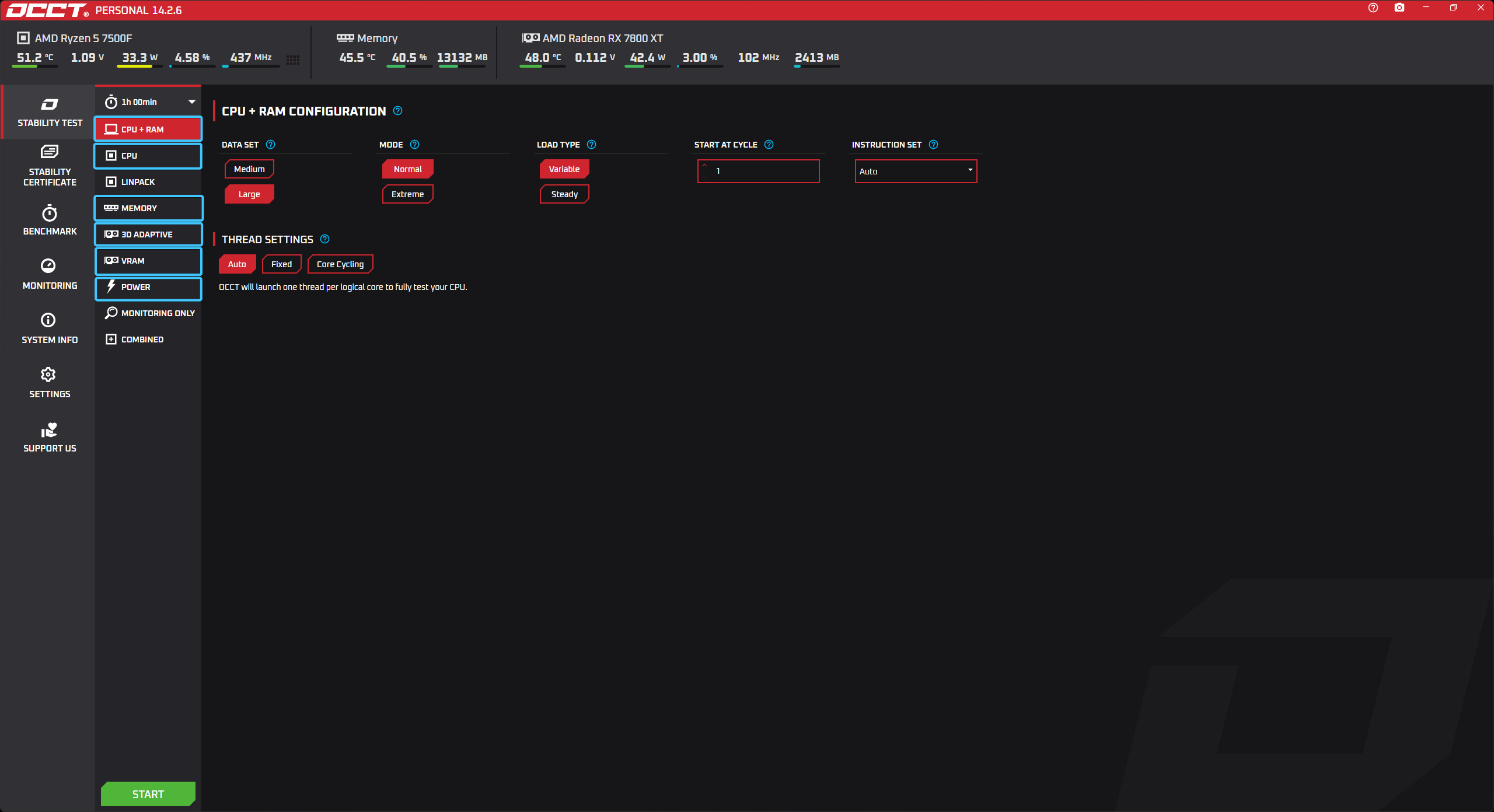
2. Click on the timer icon (1) and set the desired time, for example, 10 minutes (2).
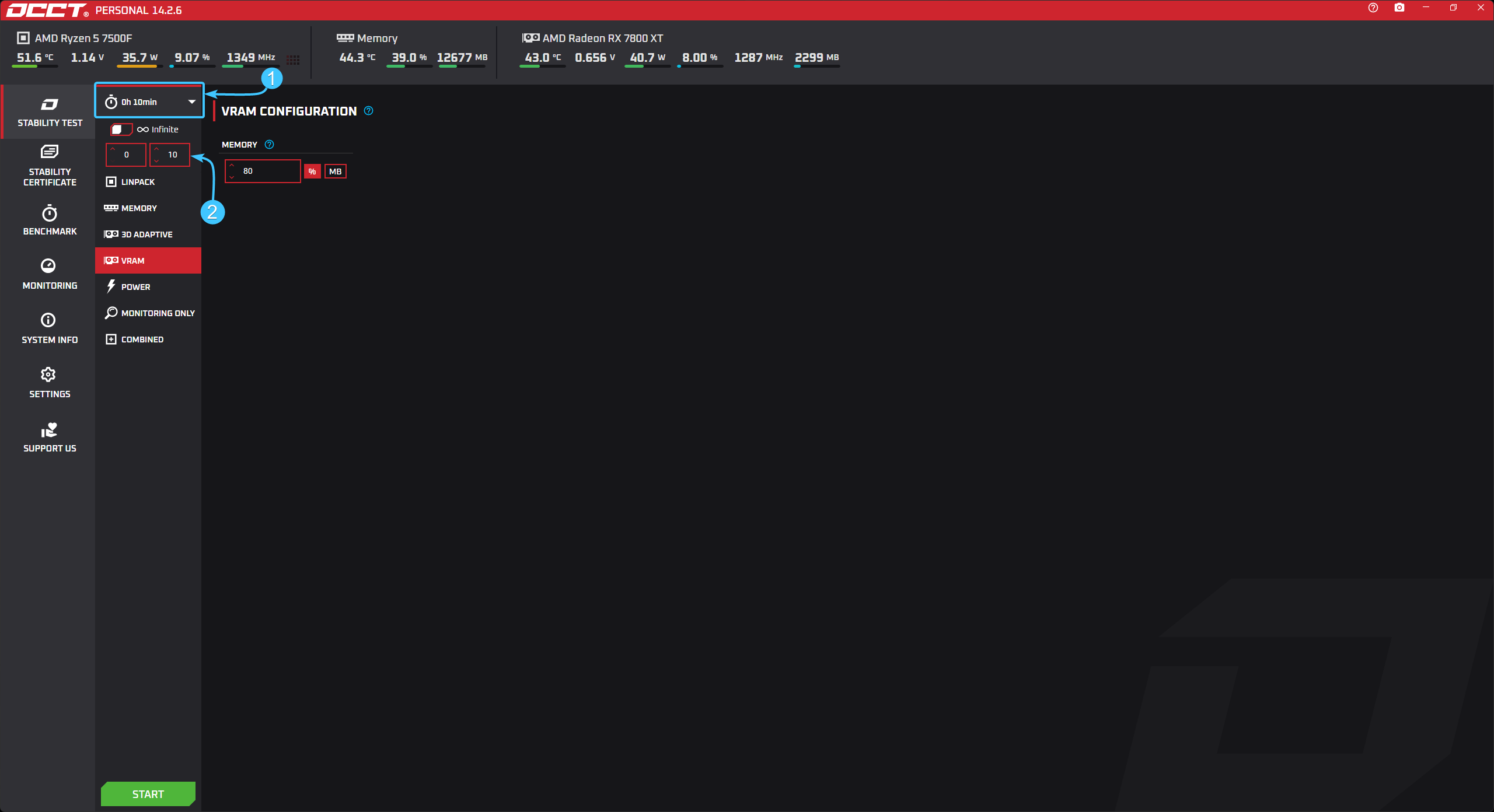
3. To start the test, click the “Start” button located on the left corner.
4. A support window will appear. Please note that financial support is not required to use this application for personal purposes. Click the “Start” button again to launch the application.
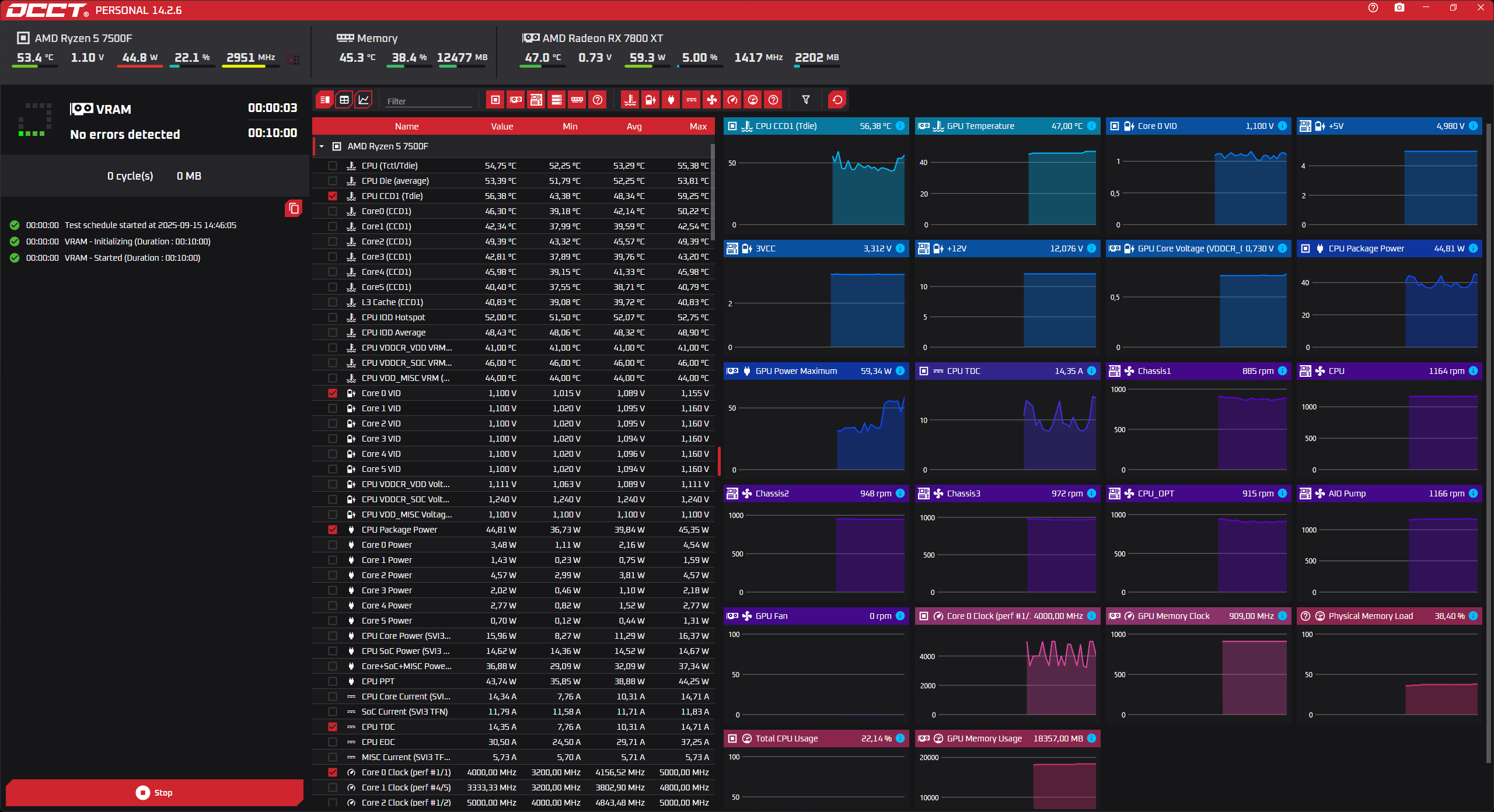
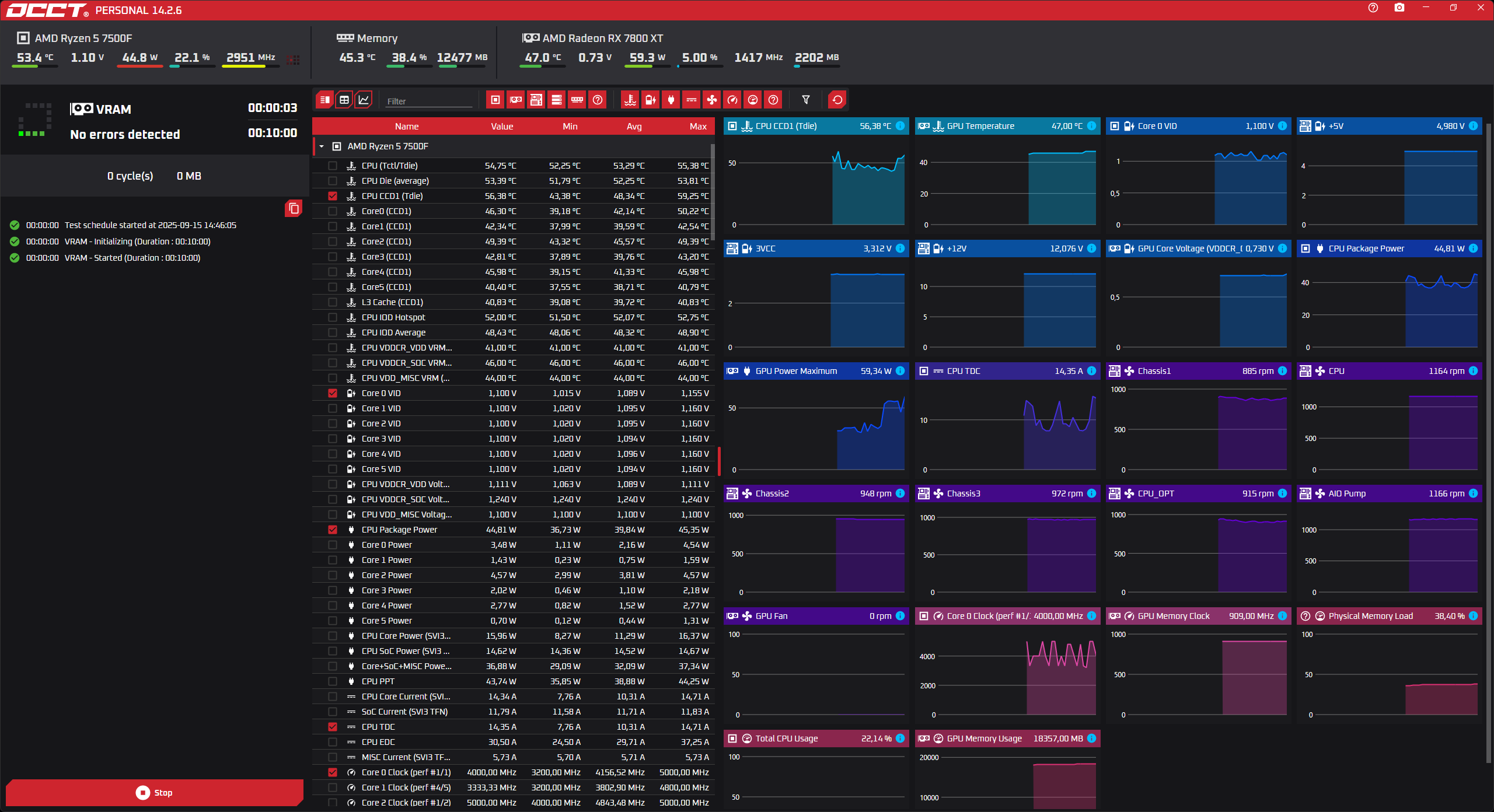
5. After that, the selected test will begin. Please wait until it is complete.