Guide

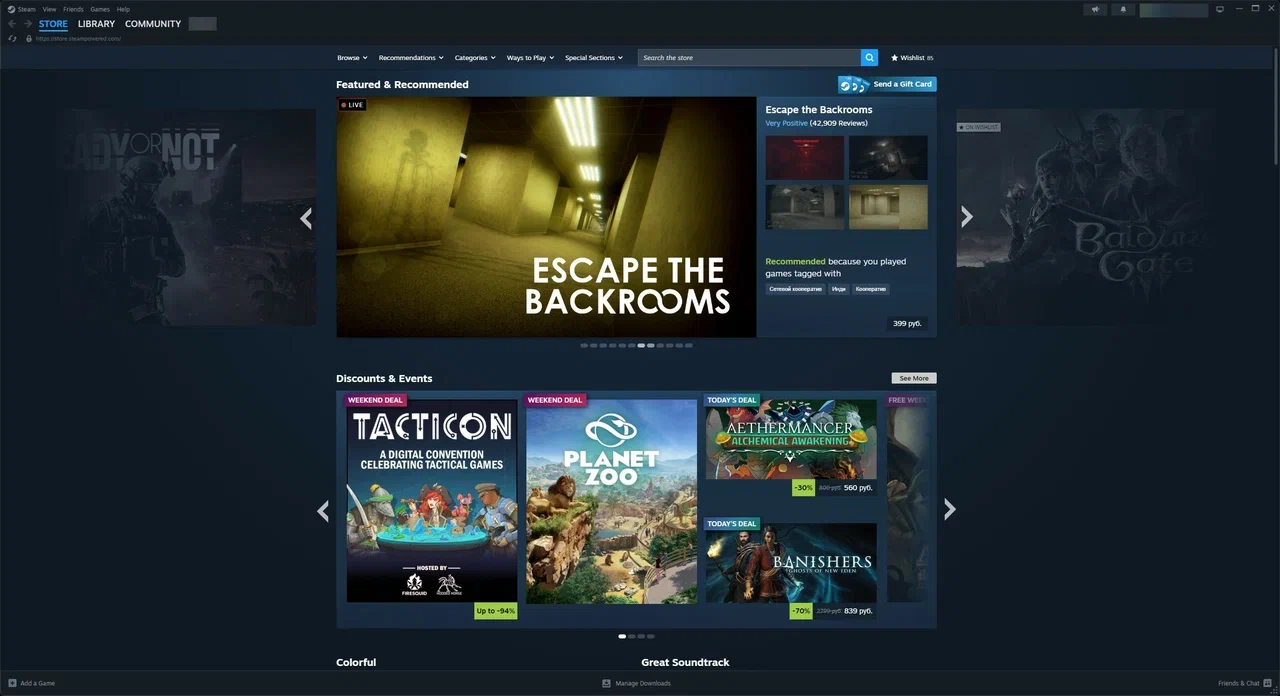
1. Launch the Steam app and log in to your account, if necessary.
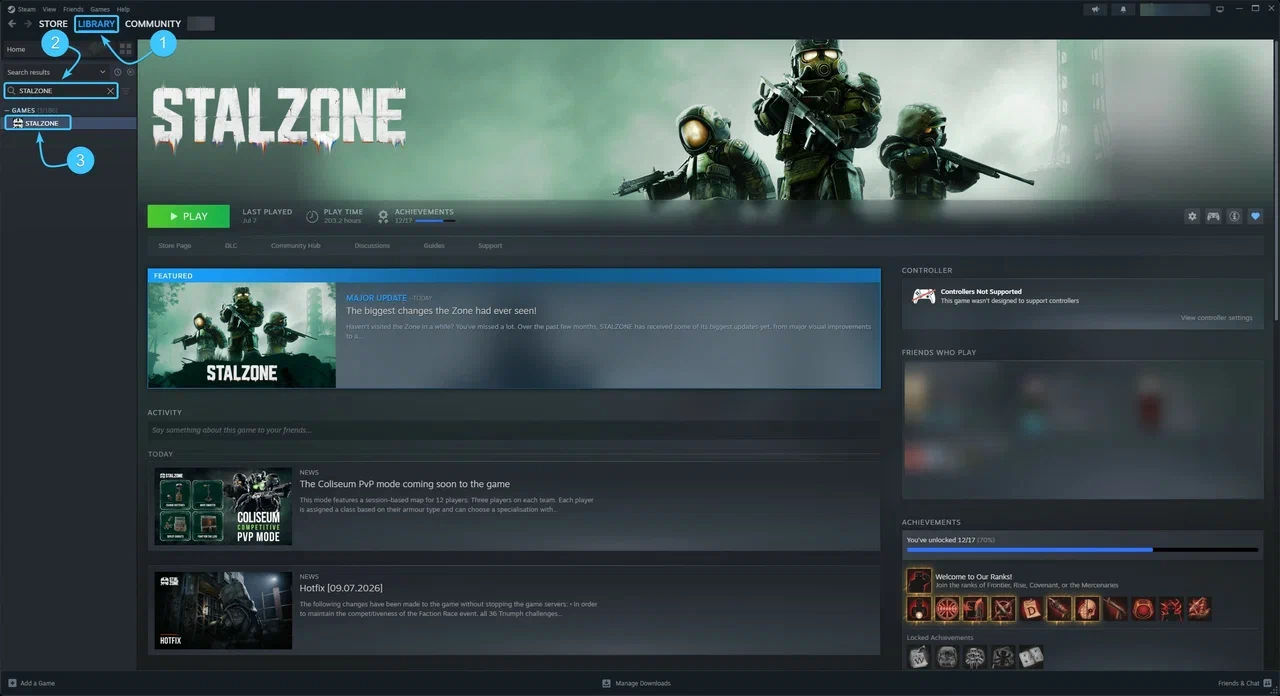
2. At the top, open the section called “Library”. In the list on the left, look for the STALZONE game.
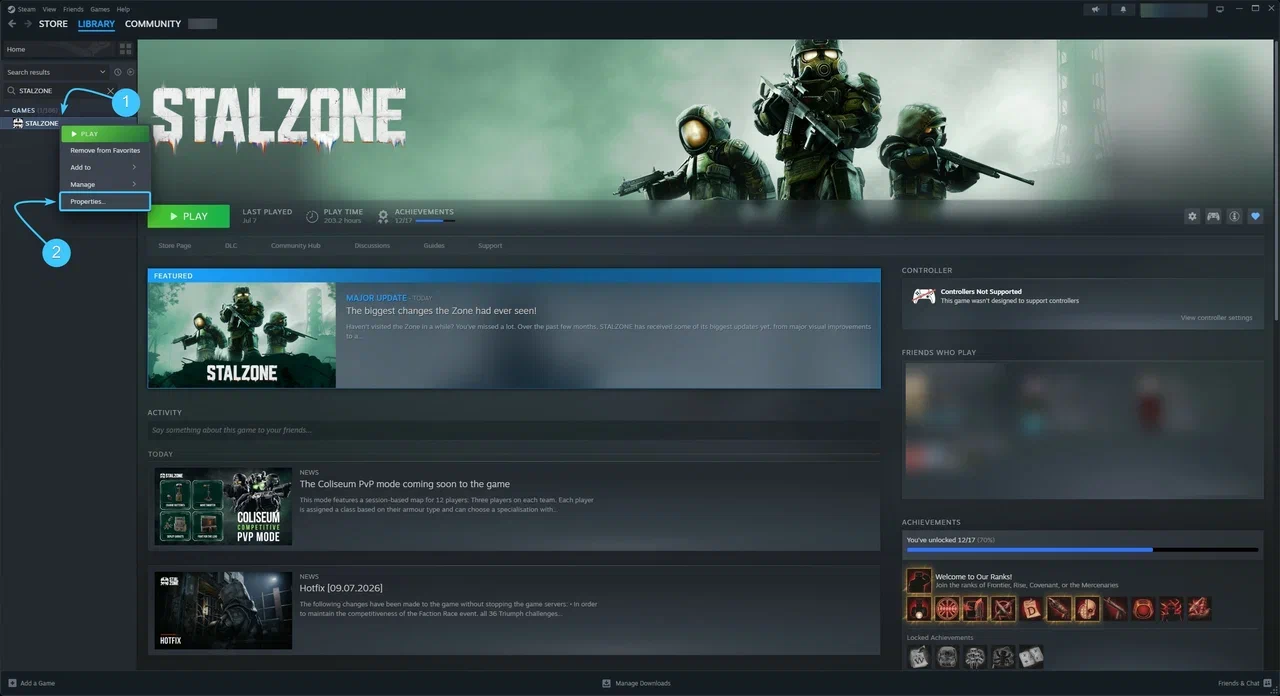
3. Right-click on STALZONE. In the list that appears, click on “Properties”.
4. The “General” section will open immediately. Uncheck the “Enable the Steam Overlay while in-game” option.
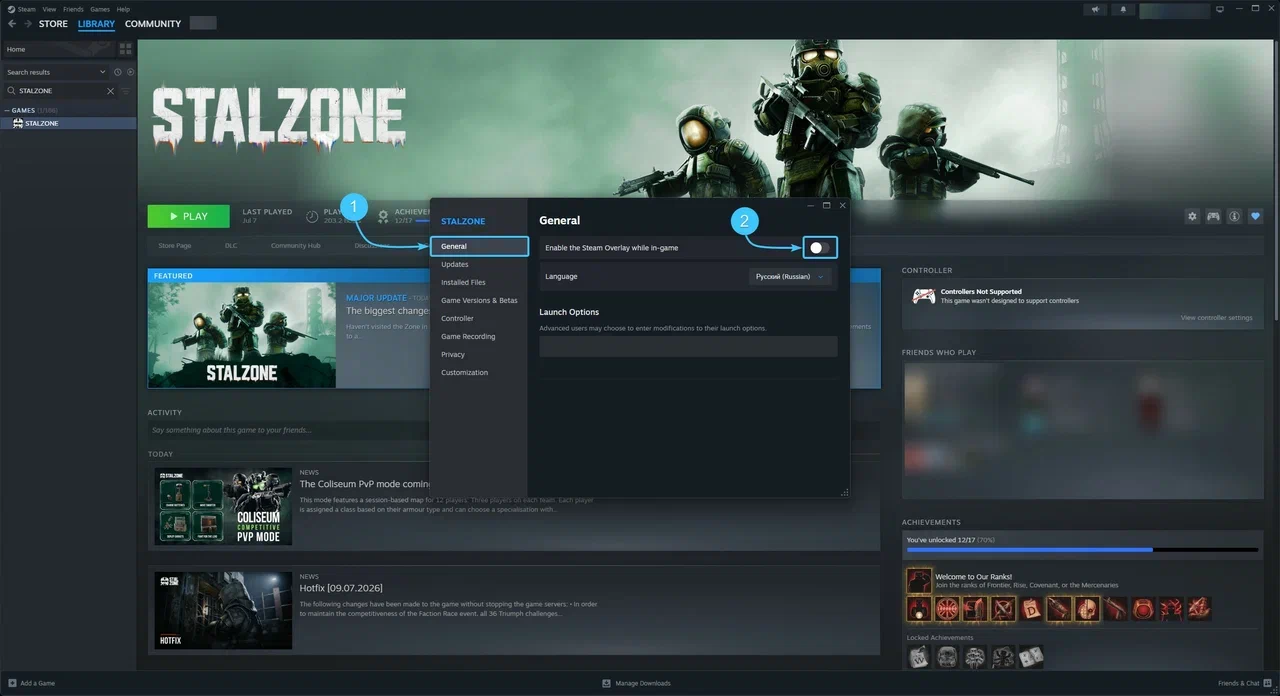
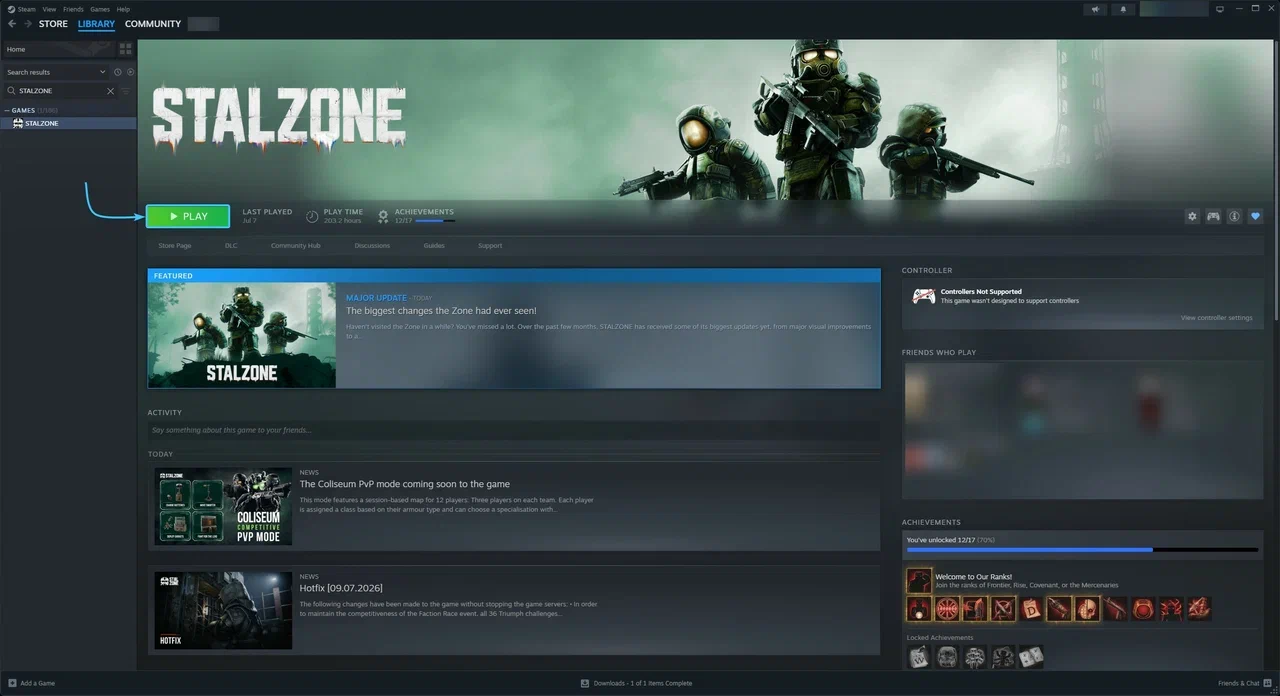
5. After that, the Steam overlay for the STALZONE game will be disabled. The game can be launched.