Guía

List of languages available
- Russian;
- English (United Kingdom);
- English (United States).
Switching the language in the STALZONE game
1. Start the STALZONE game. Select the required character from the main menu and log in to the server.

2. On the server, press the ESC key to open the menu. Go to “Settings”.

3. The “Game” section opens immediately. Look for “Language” in the list on the left, select the desired one.
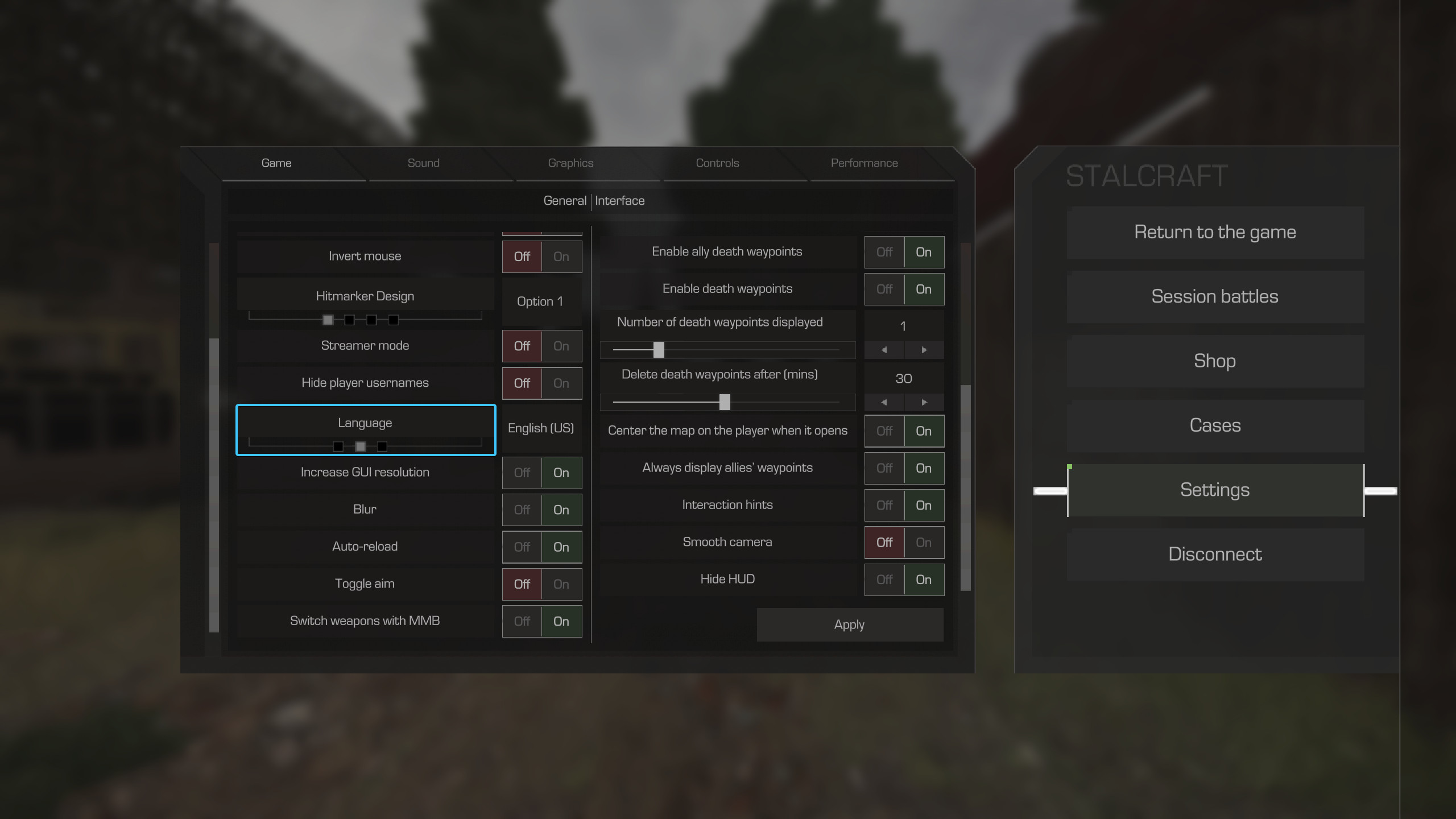
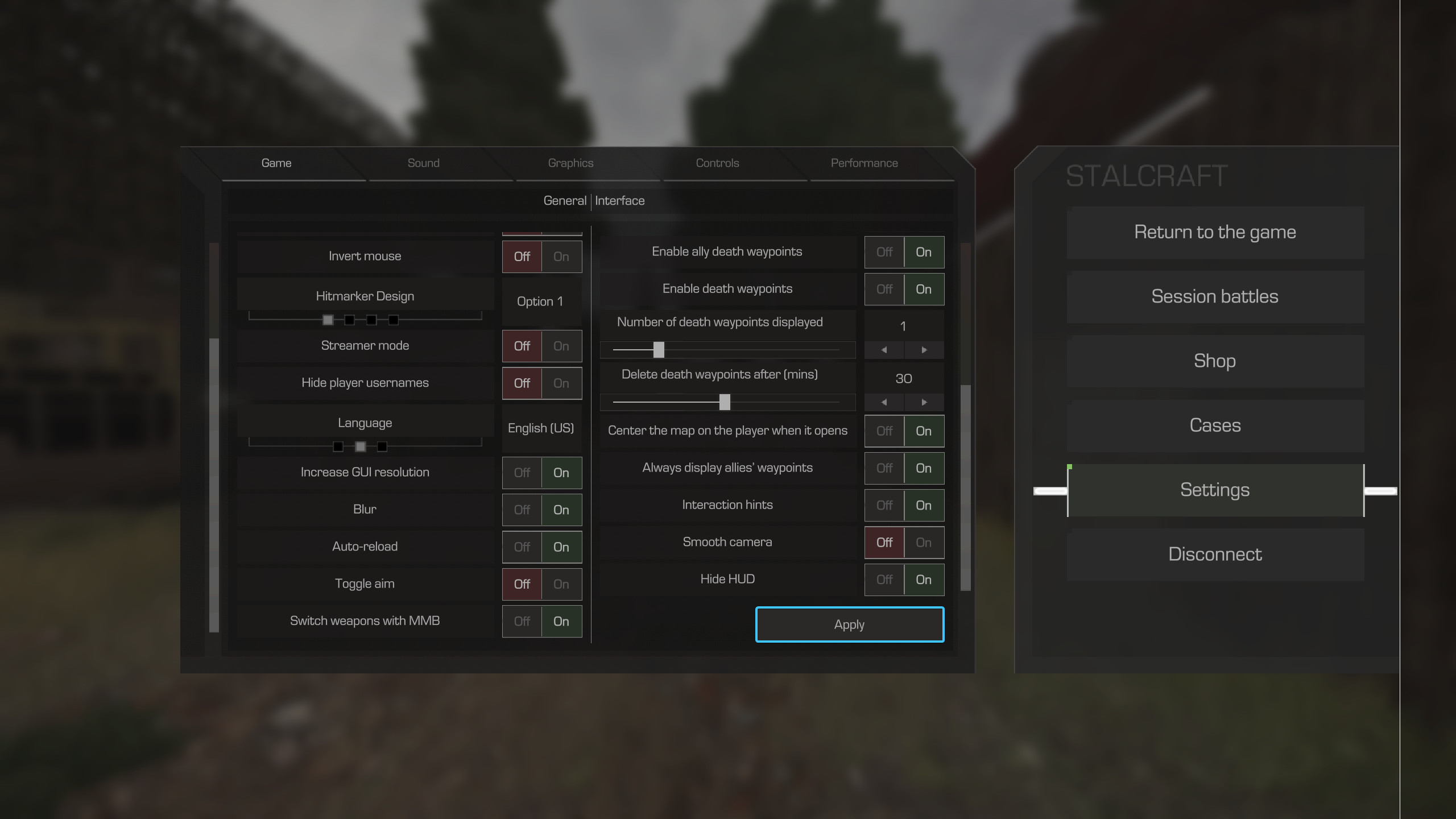
4. Once selected, press the “Apply” button. The language will then be automatically changed.
Other guides
- Cooperative play with friends
- Deleting a game character
- Adding a player to the blacklist
- Filing a complaint on chat violation
- Transferring a game character
- Activating streamer mode
- Hiding the interface and hands
- Switching on the smooth camera
- Colour text in the PDA profile
- Accidentally deleted an in-game item
- Setting achievements in the profile
- Removing achievements from profile
- Removing a player from the blacklist
- Disabling death waypoints in the world
- Graphics parameters
- Filing a complaint on a cheater
- Performance parameters
- Deleting an in-game item
- Game character statistics