Guide

Opening the STALZONE Game Folder in Steam
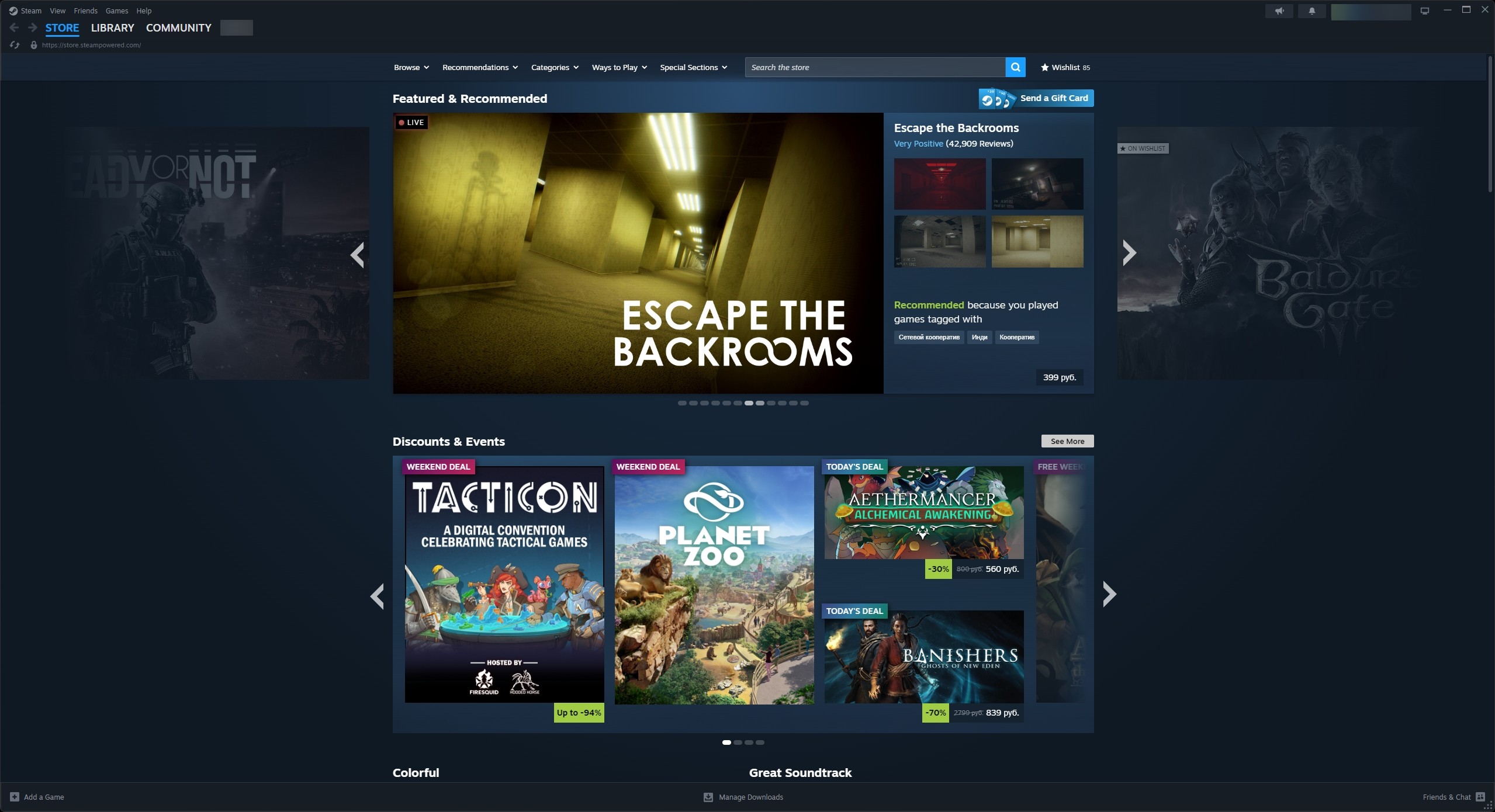
1. Launch the Steam app and log in to your account, if necessary.
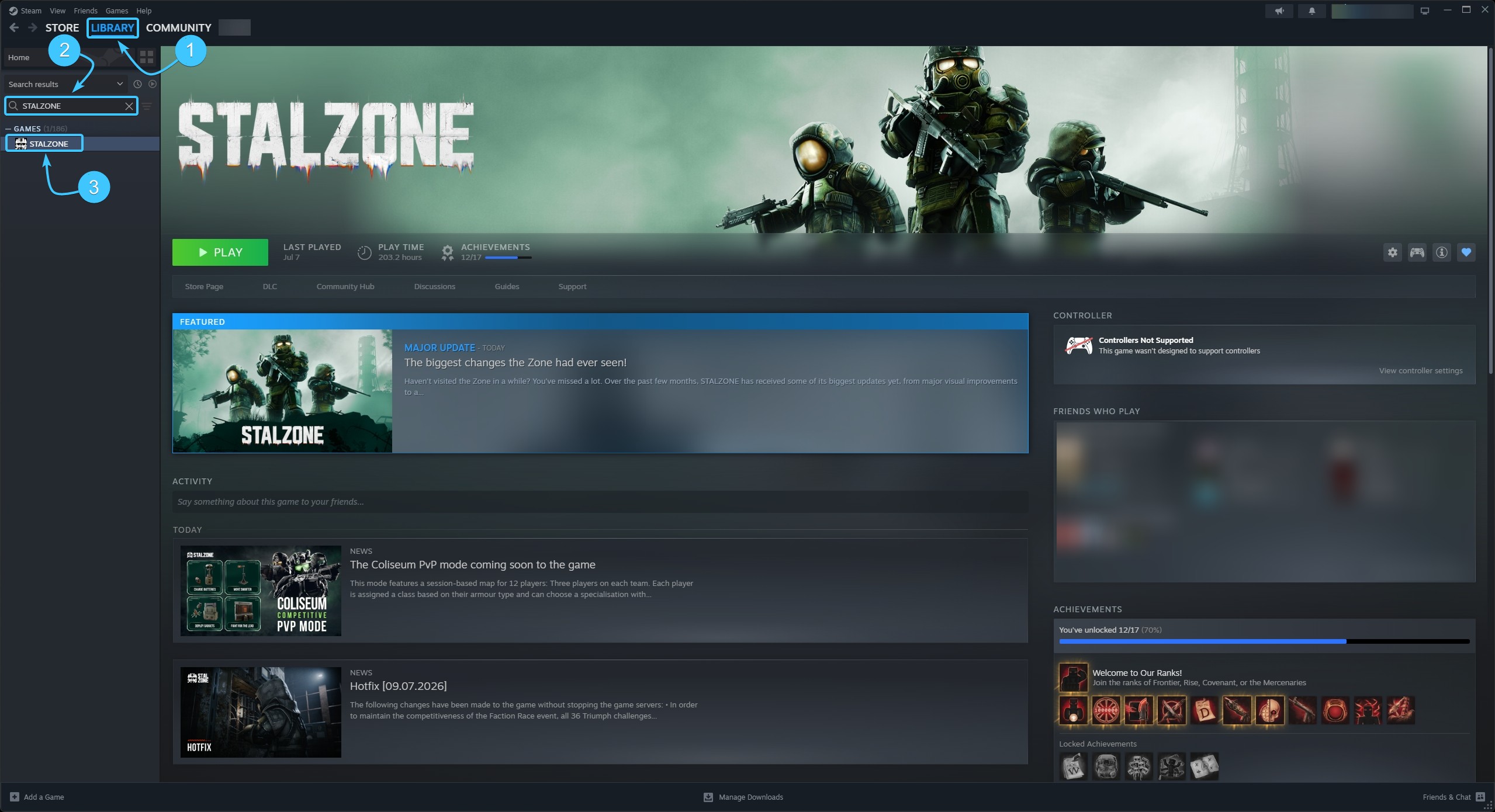
2. At the top, open the section called “Library”. In the list on the left, look for the STALZONE game.
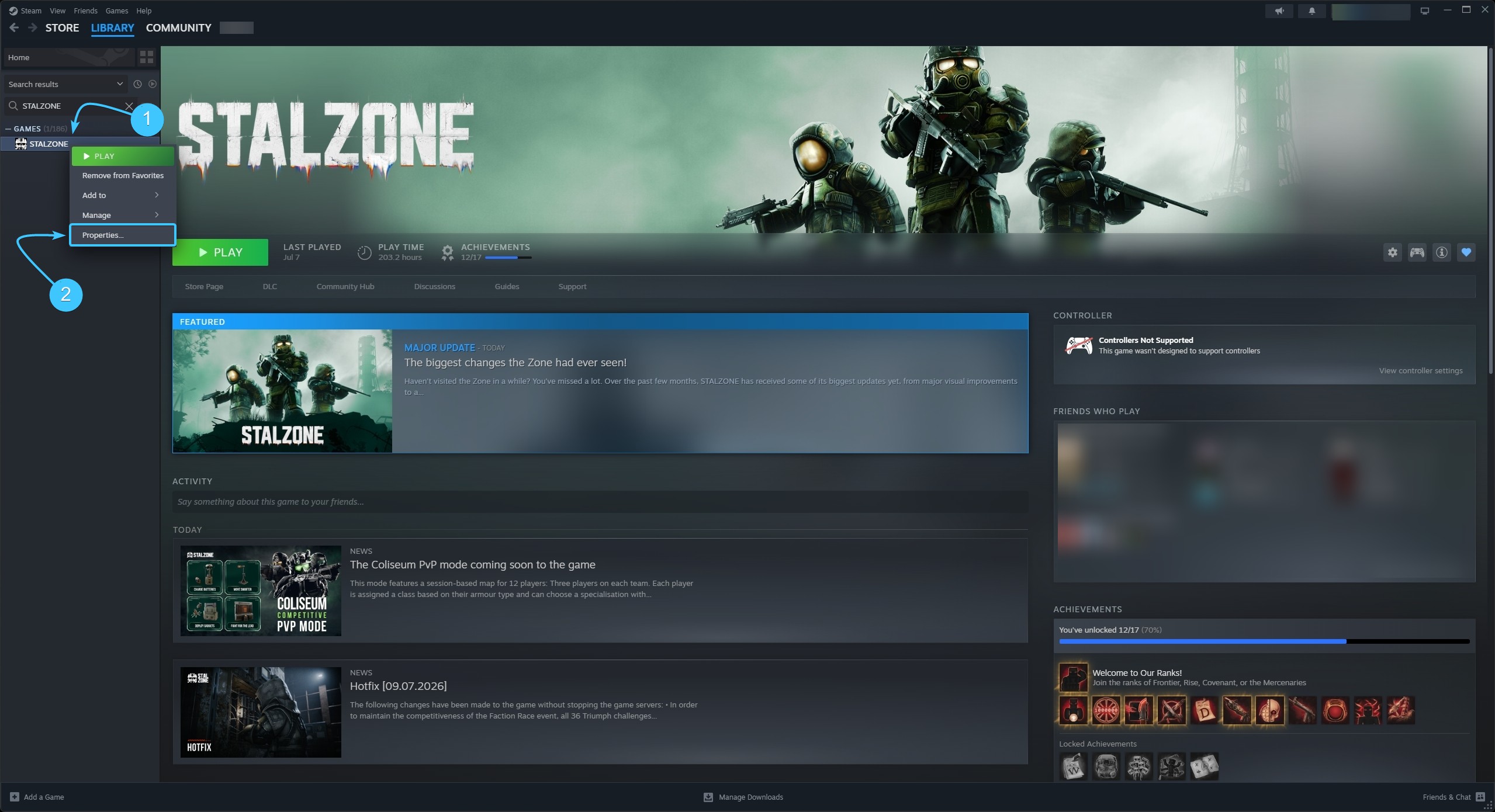
3. Right-click on STALZONE. In the list that appears, click on “Properties”.
4. A new window will appear. Open the section entitled “Installed files” and press the “Browse” button.
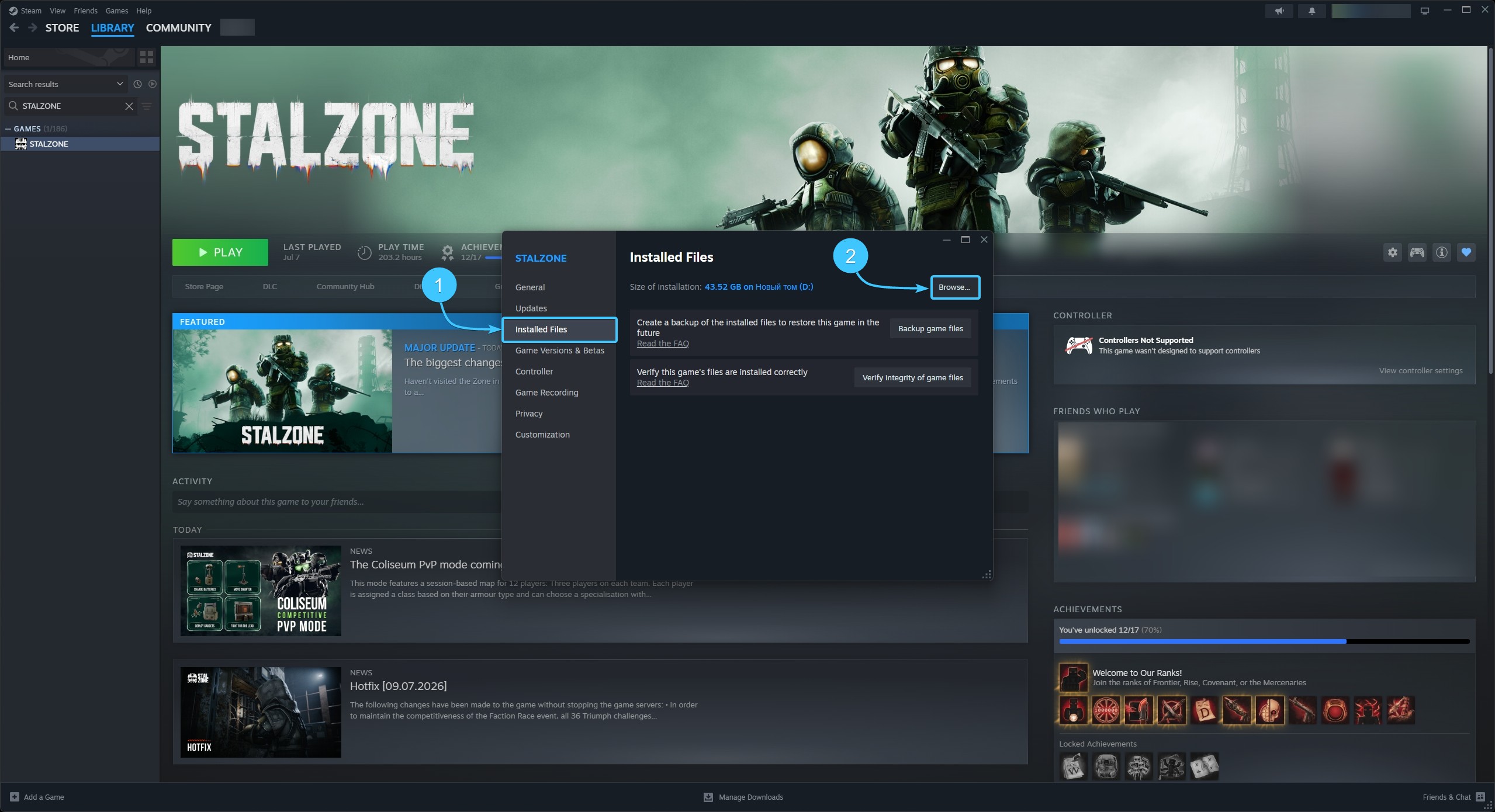
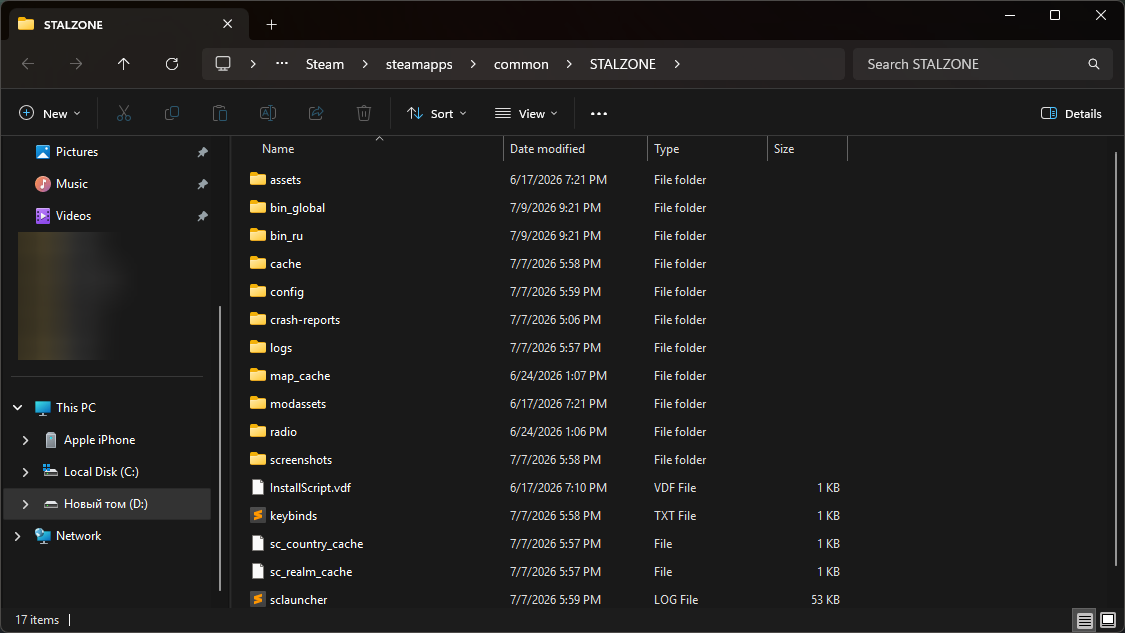
5. A file explorer window will appear, showing the STALZONE game files.