Guide

Contents
Ending authorization sessions on the EXBO account #1
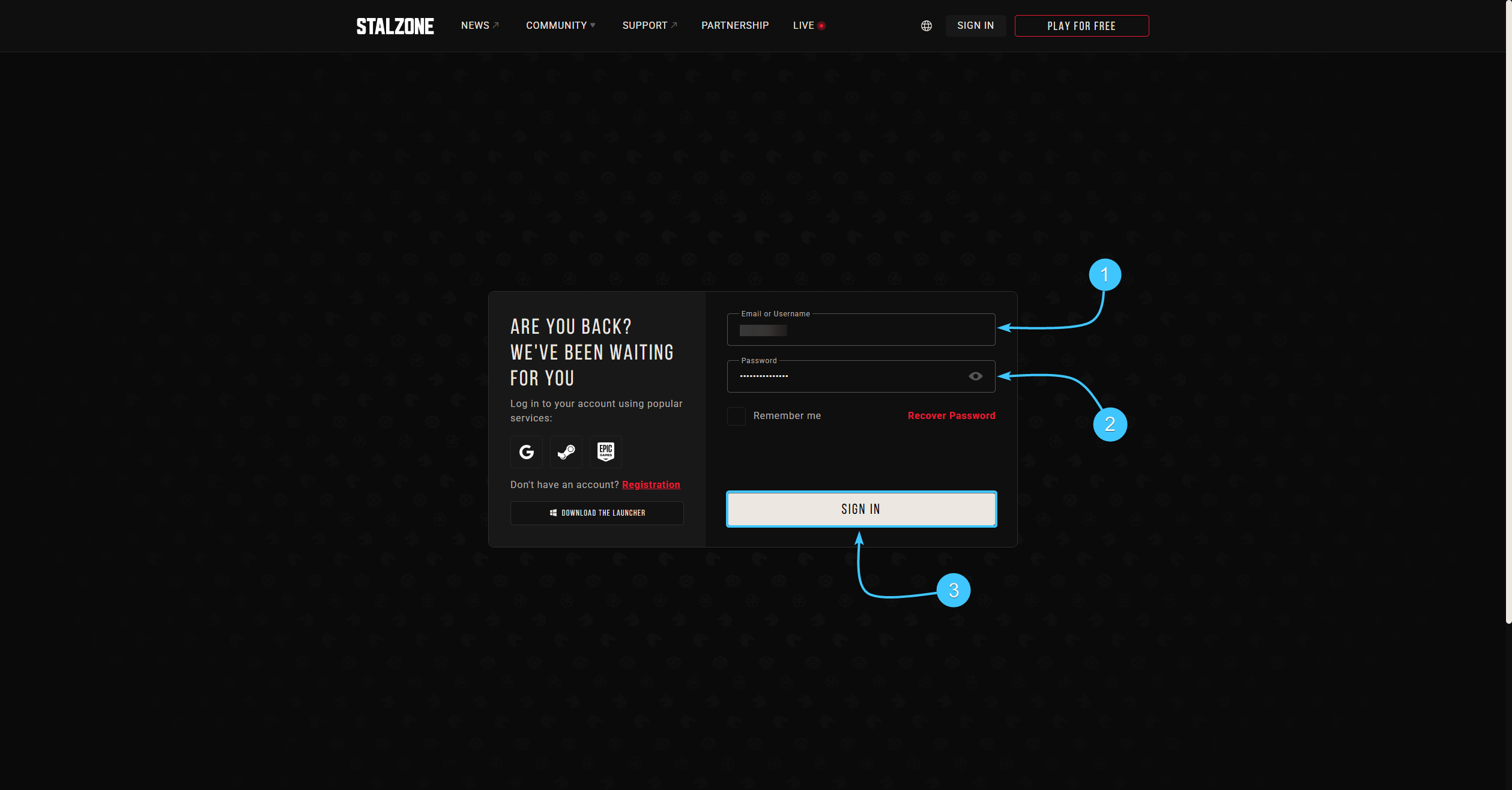
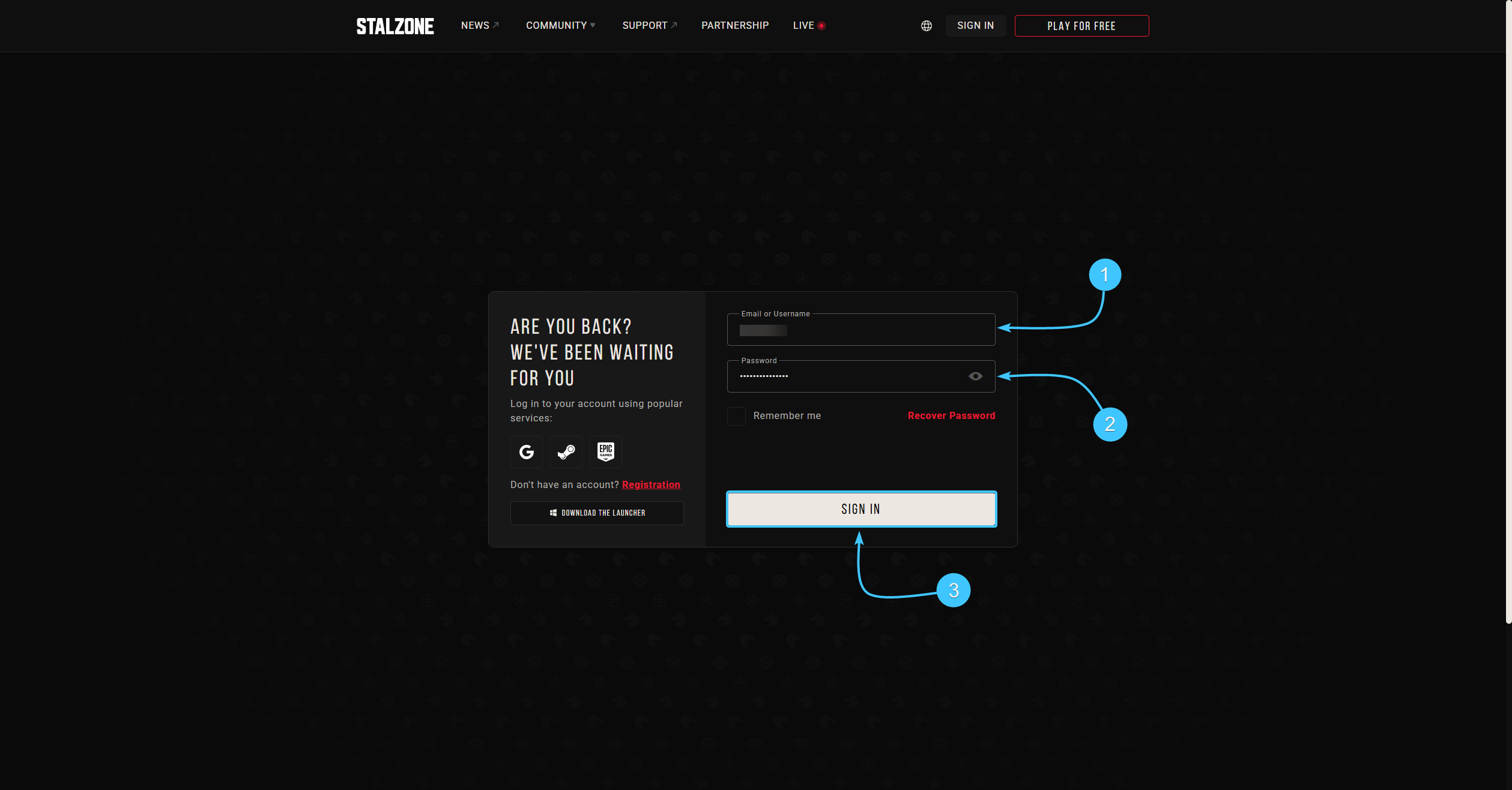
1. Go to the official STALZONE game website and log in if necessary.
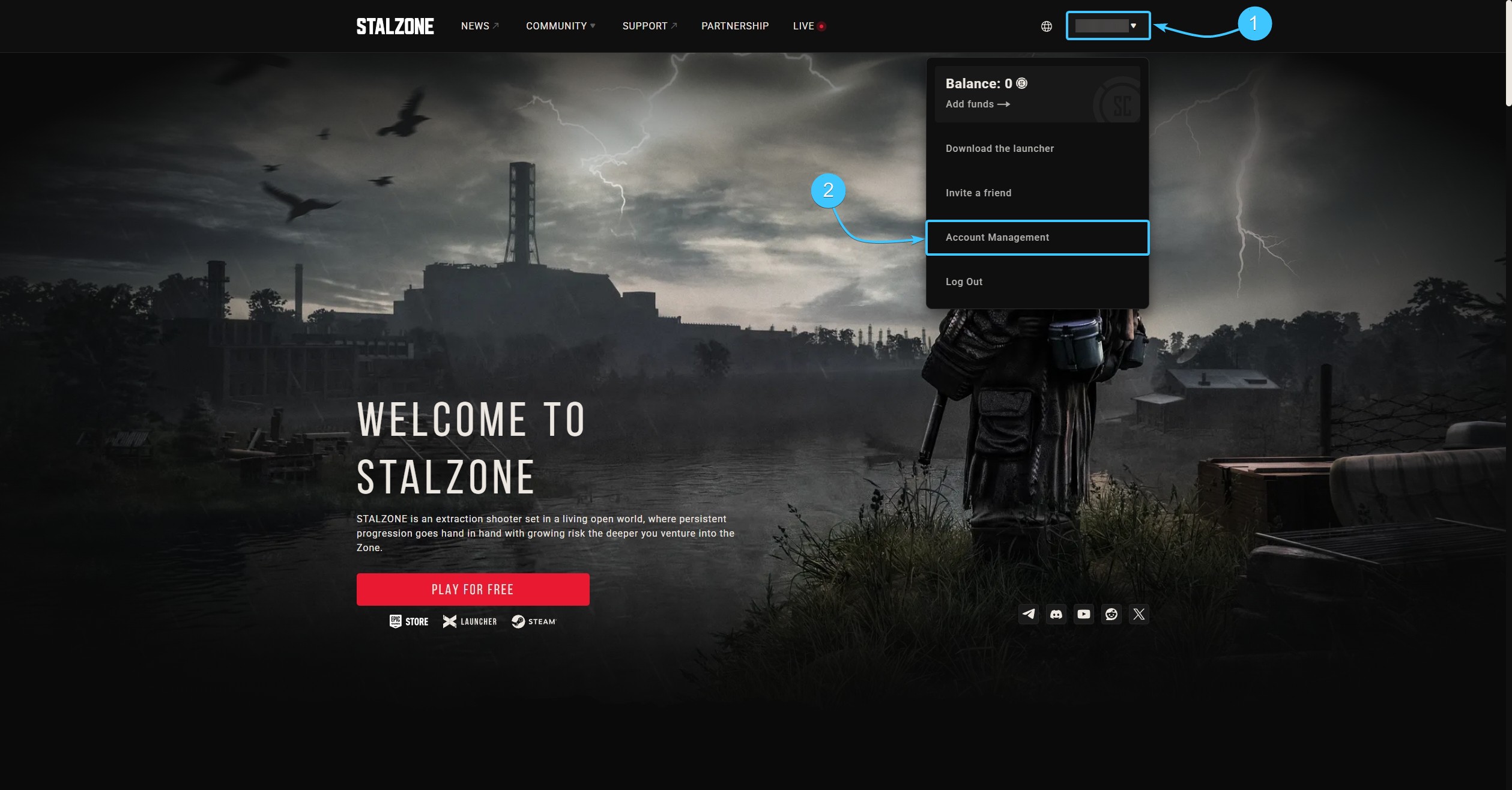
2. Hover the cursor over the EXBO account login. In the list, click the “Account Management” button.
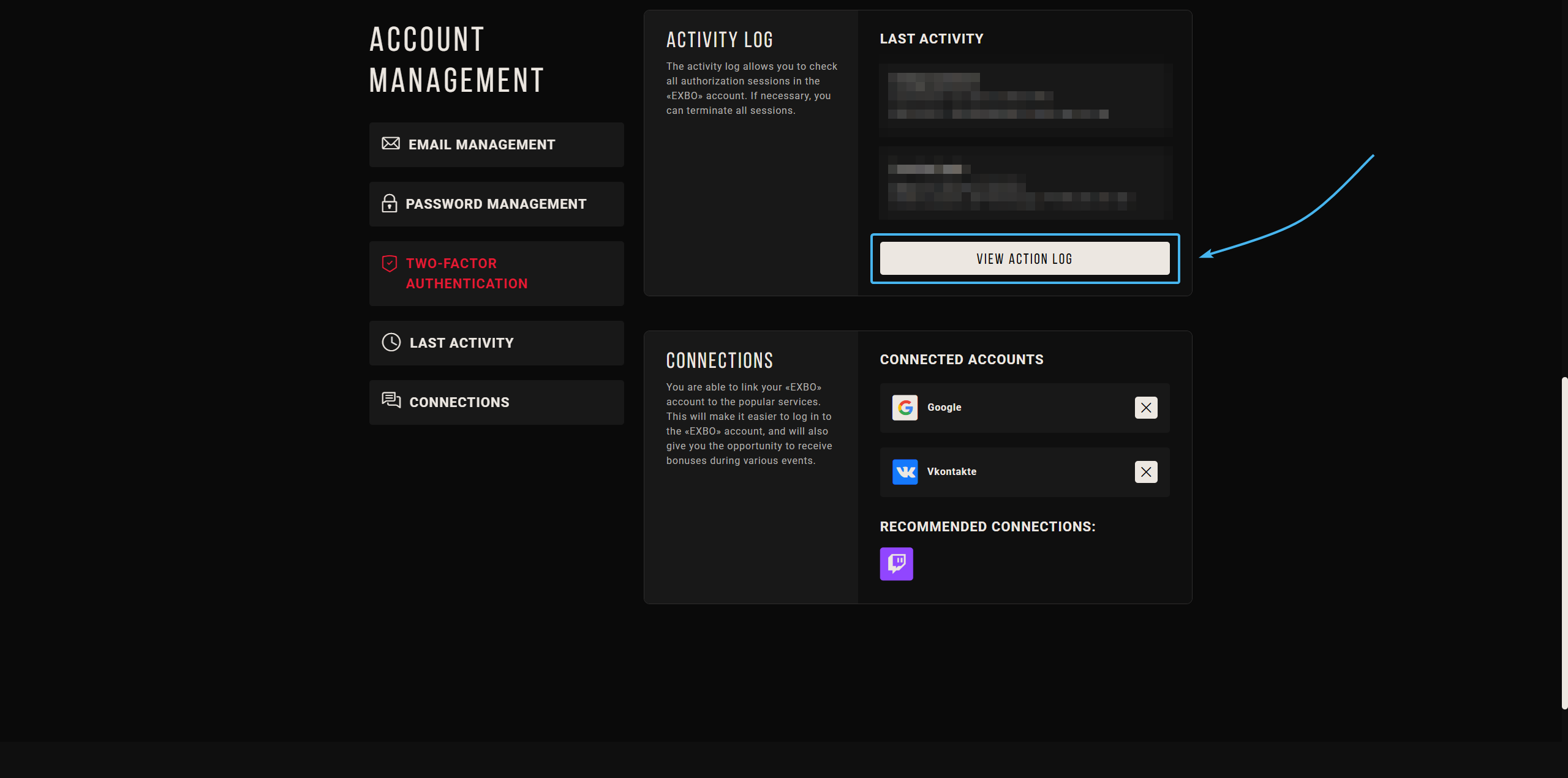
3. Scroll all the way down. In the "Activity Log" section, click the "View Activity Log" button.
4. A list of all active authorization sessions will appear. Click the “End all sessions” button.
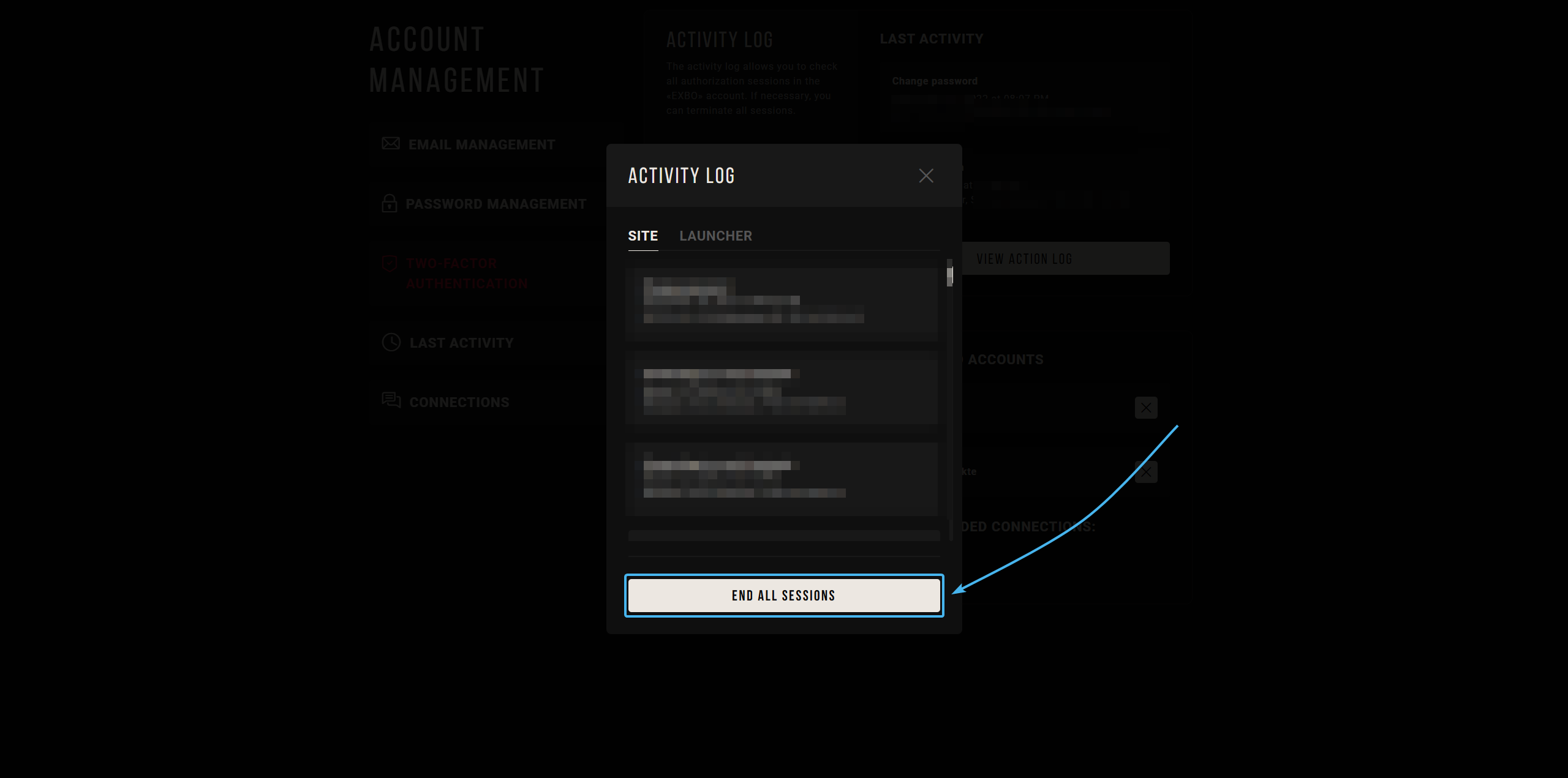
5. Once you click the button, all active sessions will be terminated, and you will need to log in again.
Ending authorization sessions on the EXBO account #2
1. Go to the official EXBO website and log in if necessary.

2. Hover over the EXBO account login and press the “Account settings” button.

3. Scroll all the way down. In the "Activity Log" section, click the "View Activity Log" button.
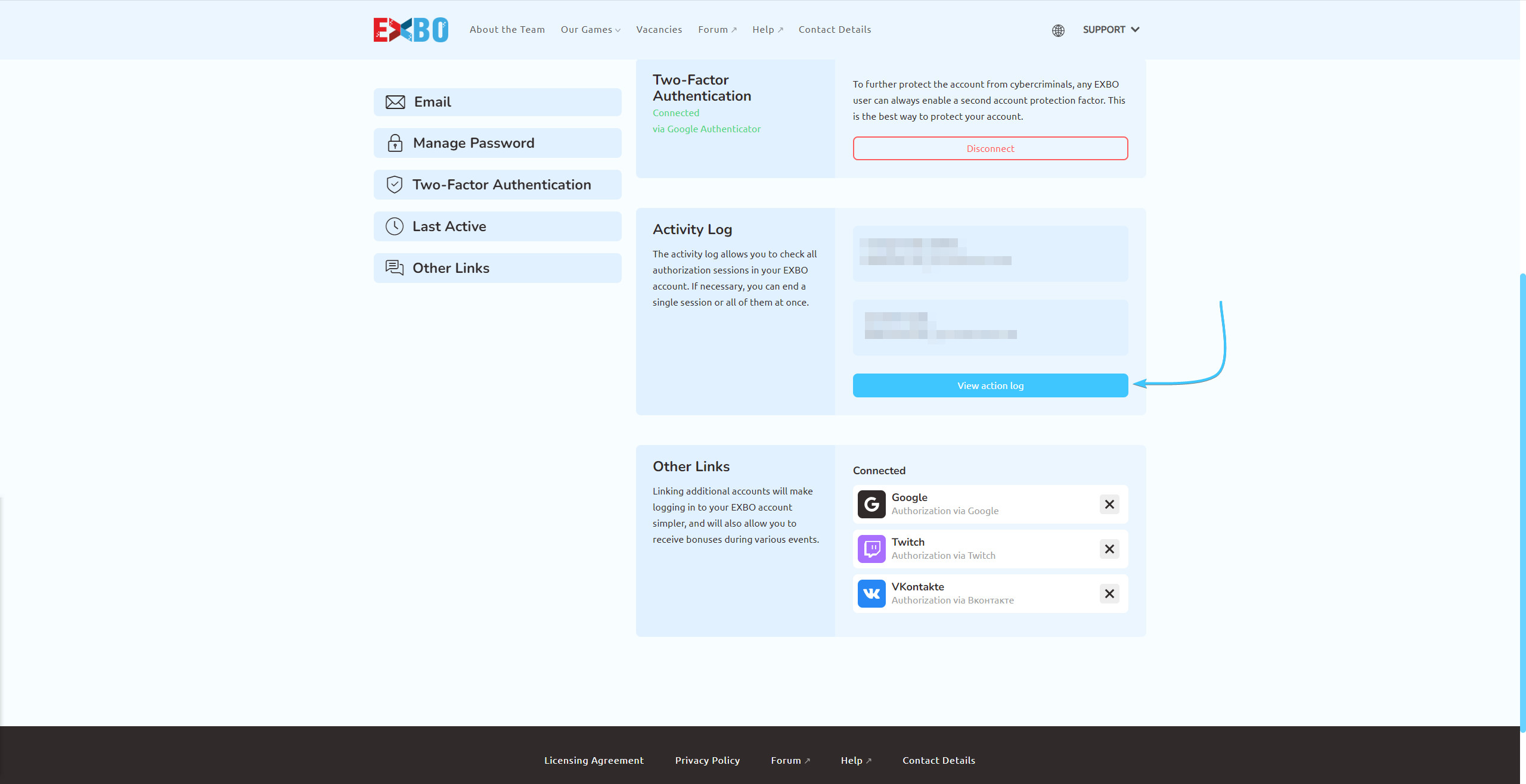
4. A list of all active authorization sessions will appear. Press the “End all sessions” button.
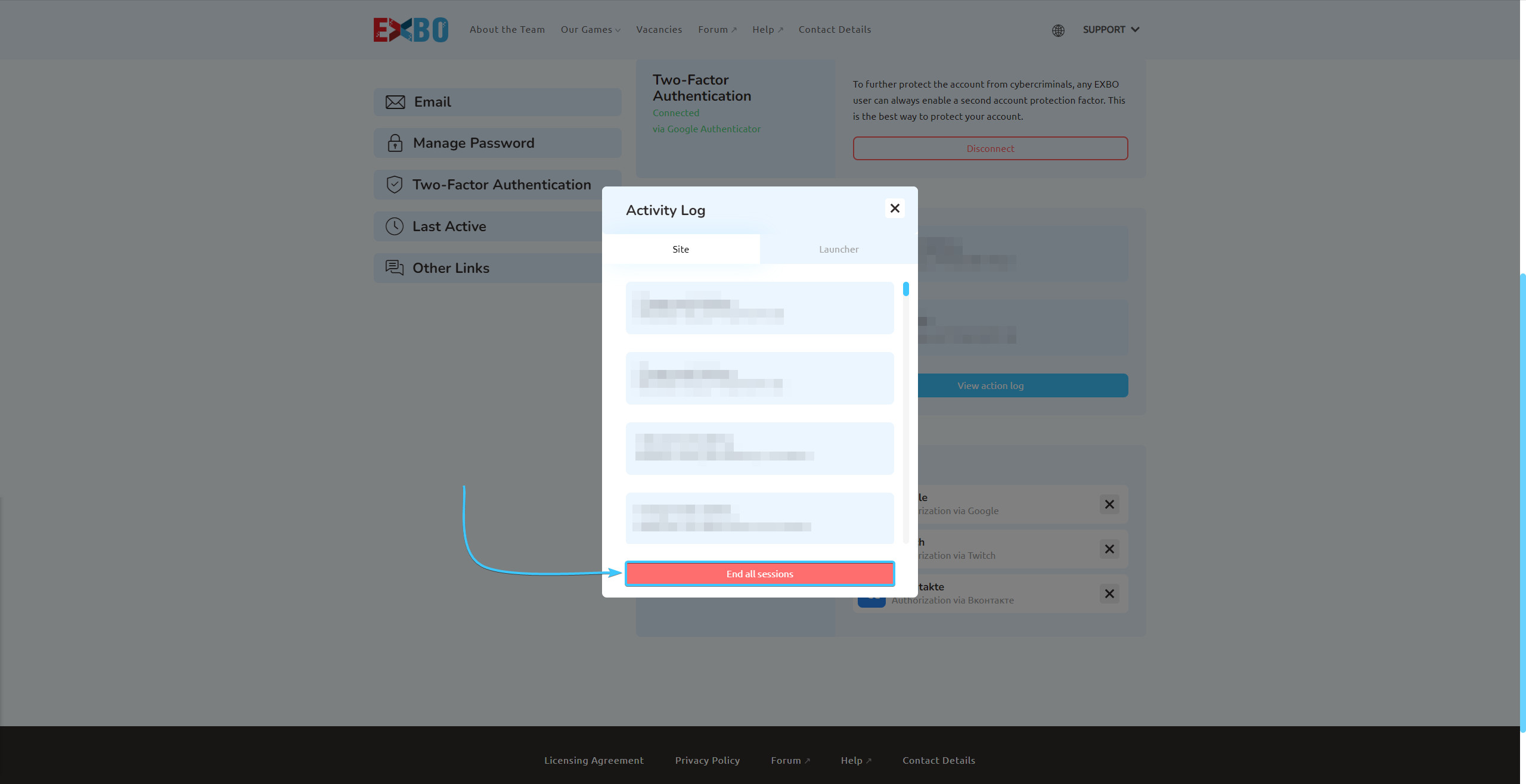
5. Once you click the button, all active sessions will be terminated, and you will need to log in again.

Other guides
- Changing the password on an account;
- Changing the email on an account;
- Management of 2FA in EXBO;
- Changing password in EXBO;
- Ensuring EXBO protection.
Keywords: фгерщкшяфешщт, logout, kick other sessions, ending authorization sessions, how to ending authorization sessions, i have a problem with ending authorization sessions please help, sign out everywhere, log out all devices, ENDING AUTHORIZATION SESSIONS, sessions authorization ending, authorization, ending authorzation sessions, ending authorziation sessions, завершение сеансов в exbo, end sessions, active sessions